January 19th, 2026
macOS
Windows
Linux
Web
Routine Desktop 0.25 brings a brand new experience for teams!
Until now, Routine was focused on individuals, providing a unique and combined experience around calendars, tasks, notes & contacts.
Routine is entering a new age, allowing for teams to work together to manage their knowledge, projects, clients or more.

To start, head to Settings, click the organization dropdown menu and click + New to create a new organization.
You can then invite people to join your organization. Remember that, by default, the invited users are not part of any workspace. You must add them manually to the workspaces you want to grant them access to.
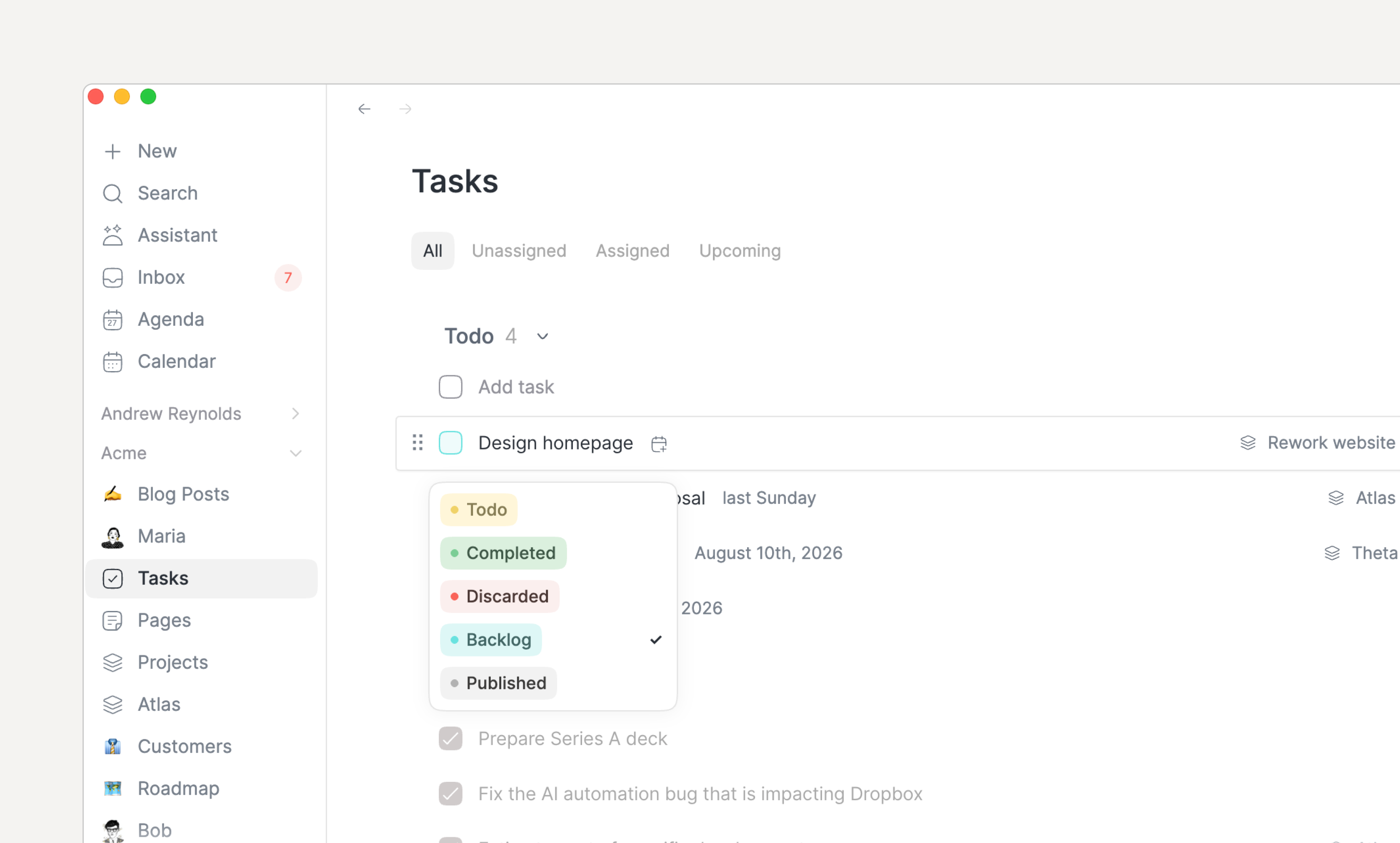
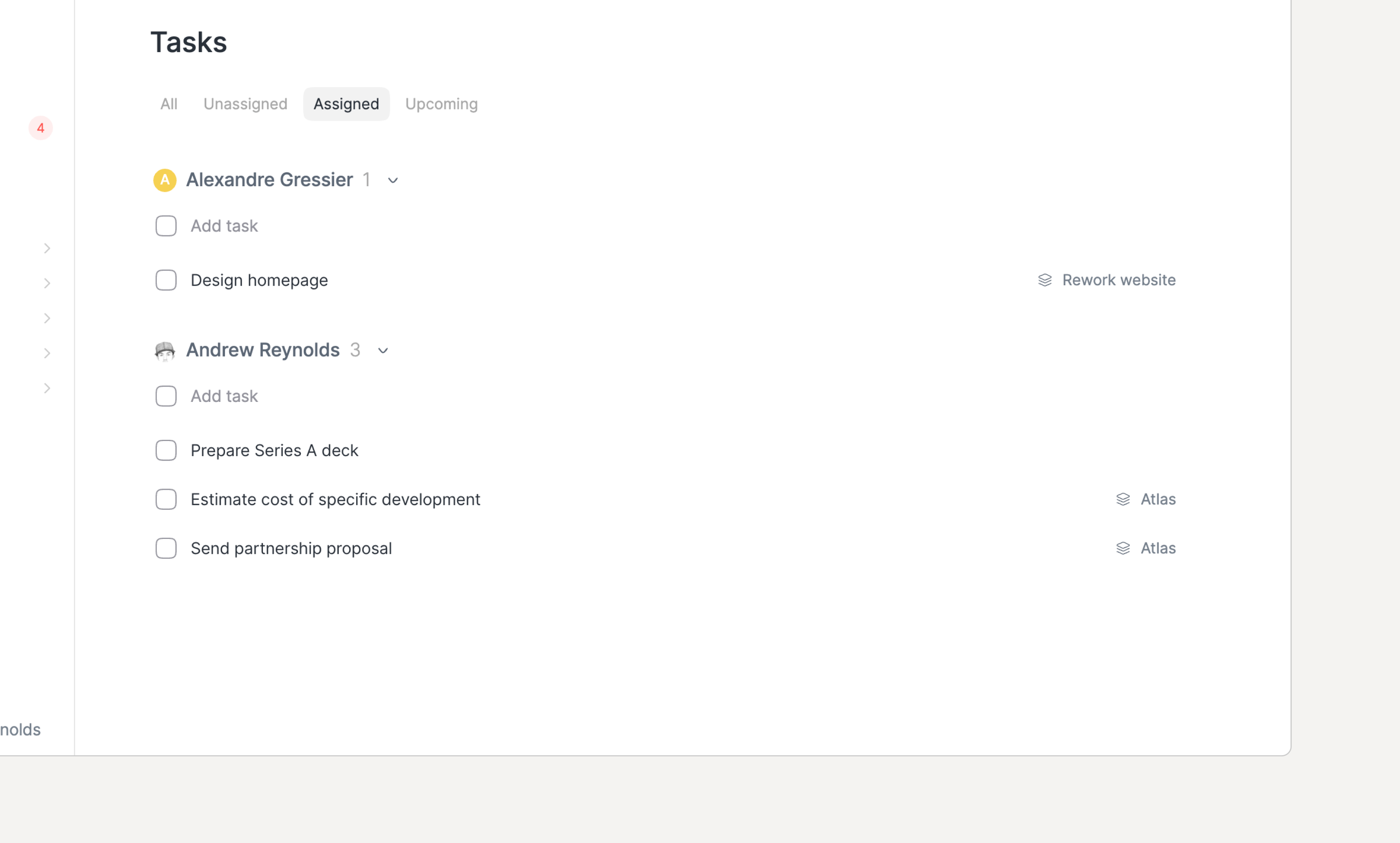
From that point, create your data model by defining the object types you want to manipulate, create objects anywhere and visualize them through Views.
Note that, by default, a single workspace is created but you can create more if you subscribe to the Business plan.
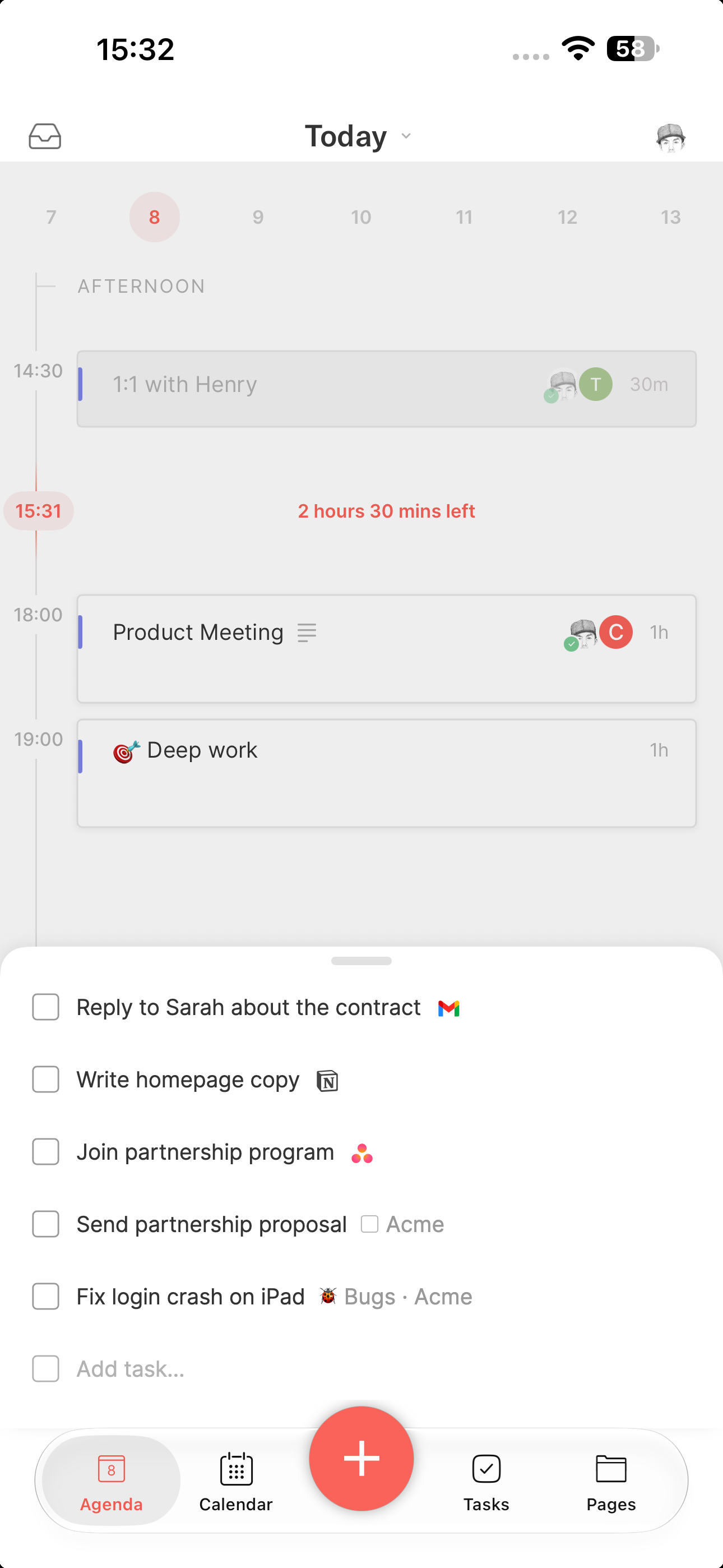
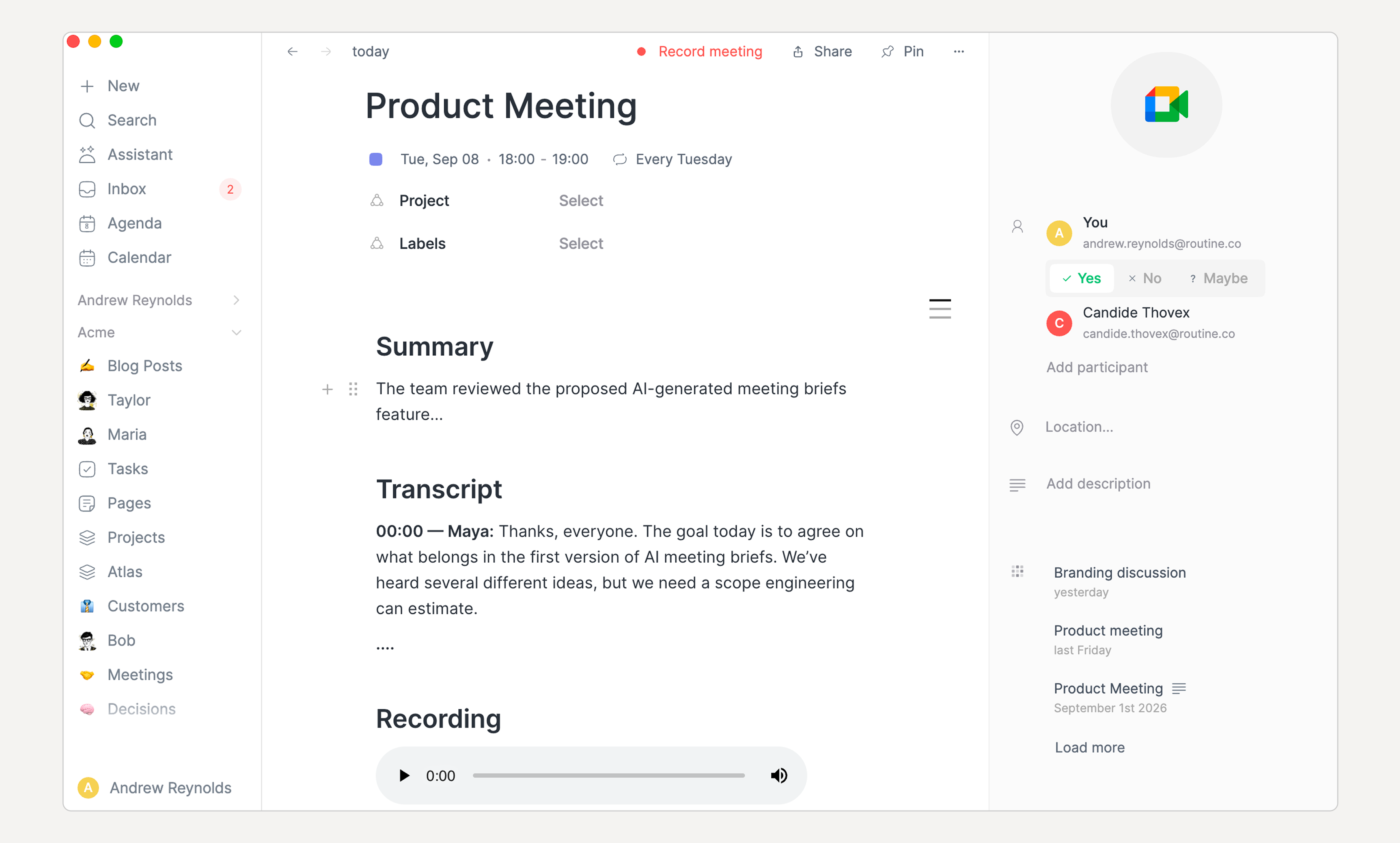
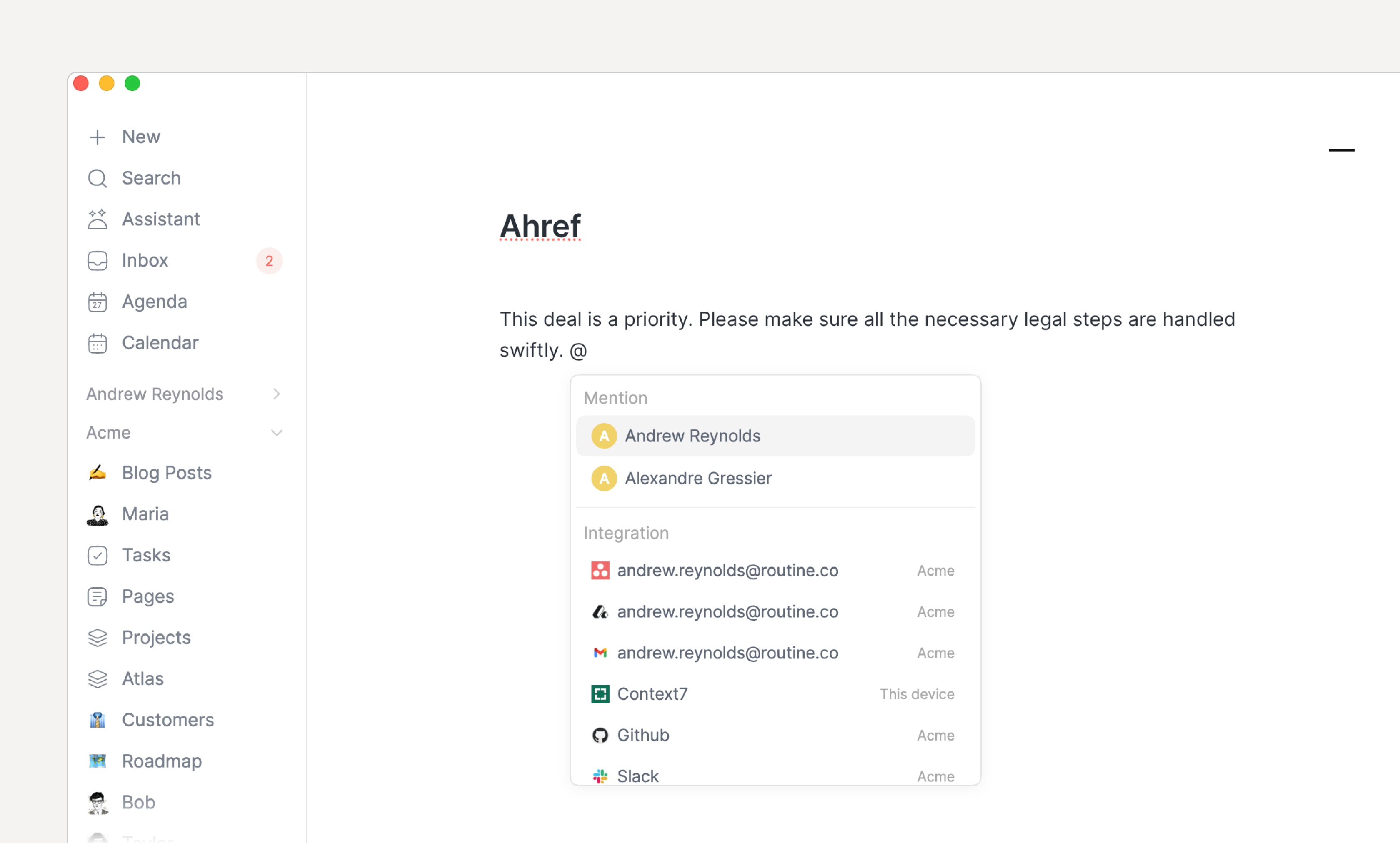
Along with collaboration, a mention mechanism has been introduced to notify a member of something that requires his or her attention.

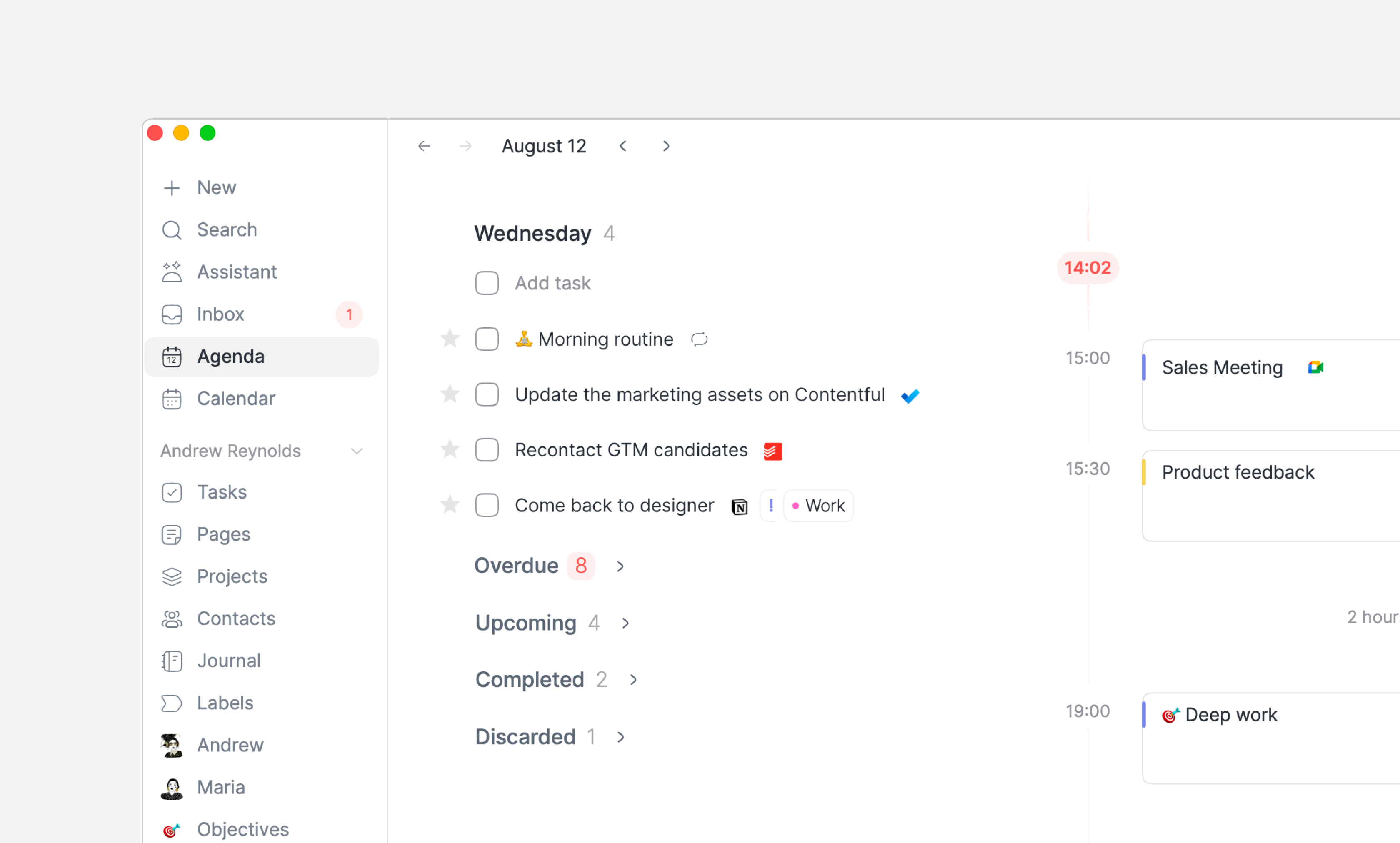
Every mention generates an item in the Inbox, allowing you to quickly see where your attention is required.
Note that the Inboxโs counter now turns red whenever a mention or meeting invitation has landed in your inbox.
To mention a team member, simply use the @ symbol, followed by the name of the person you want to mention.
Note that, until now, the @ symbol was used for linking/referencing objects. This symbol is now dedicated to mentions. To create a reference, use [[ followed by the name of the object to link to (which was already supported).
Checklists have been introduced to allow creating a list of items to be done without relying on tasks which are rich objects that can be planned, dragged into your calendar, but also show up in your Inbox.

With checklists, you can more easily break down something to do into smaller parts and tick them as you go.
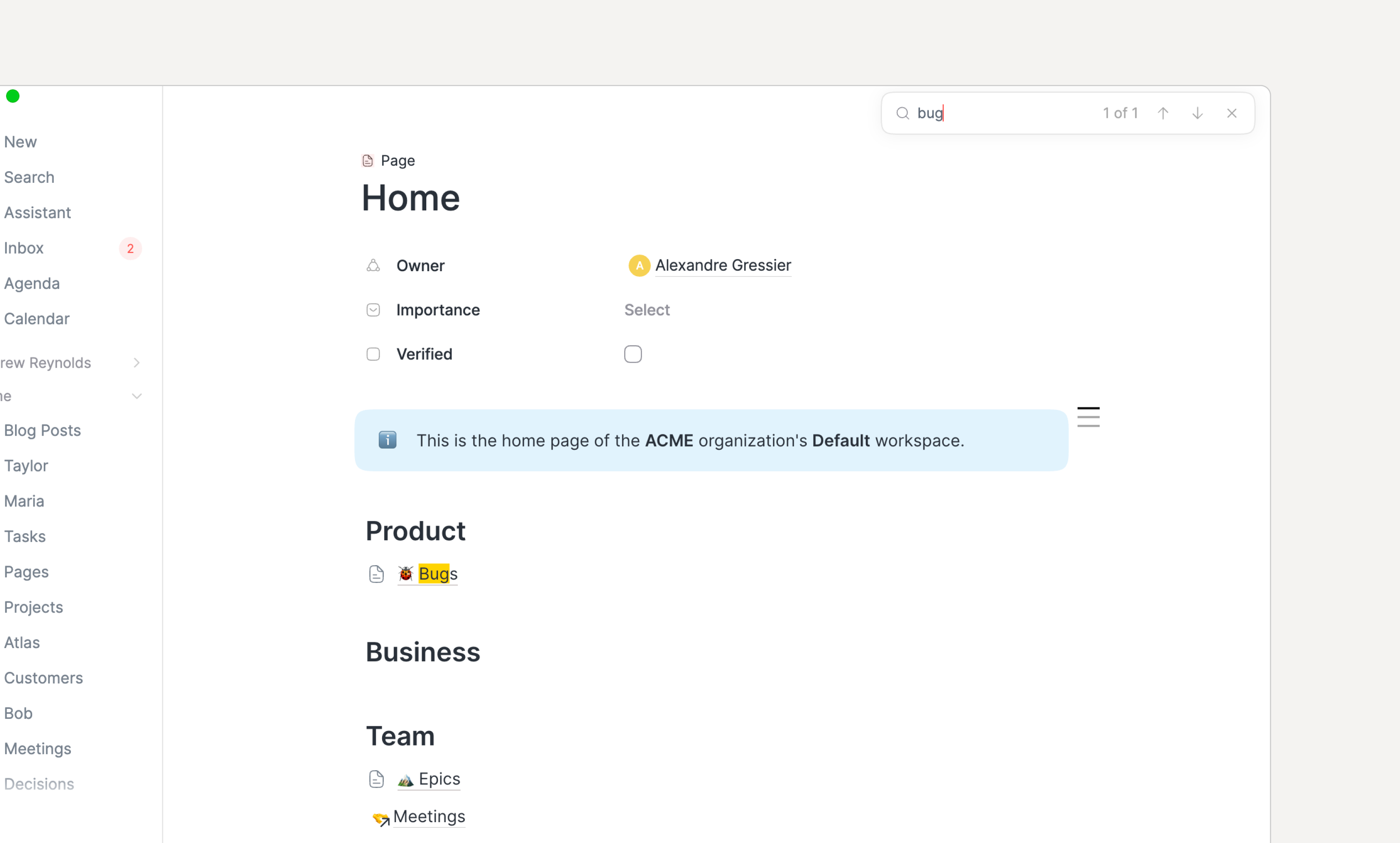
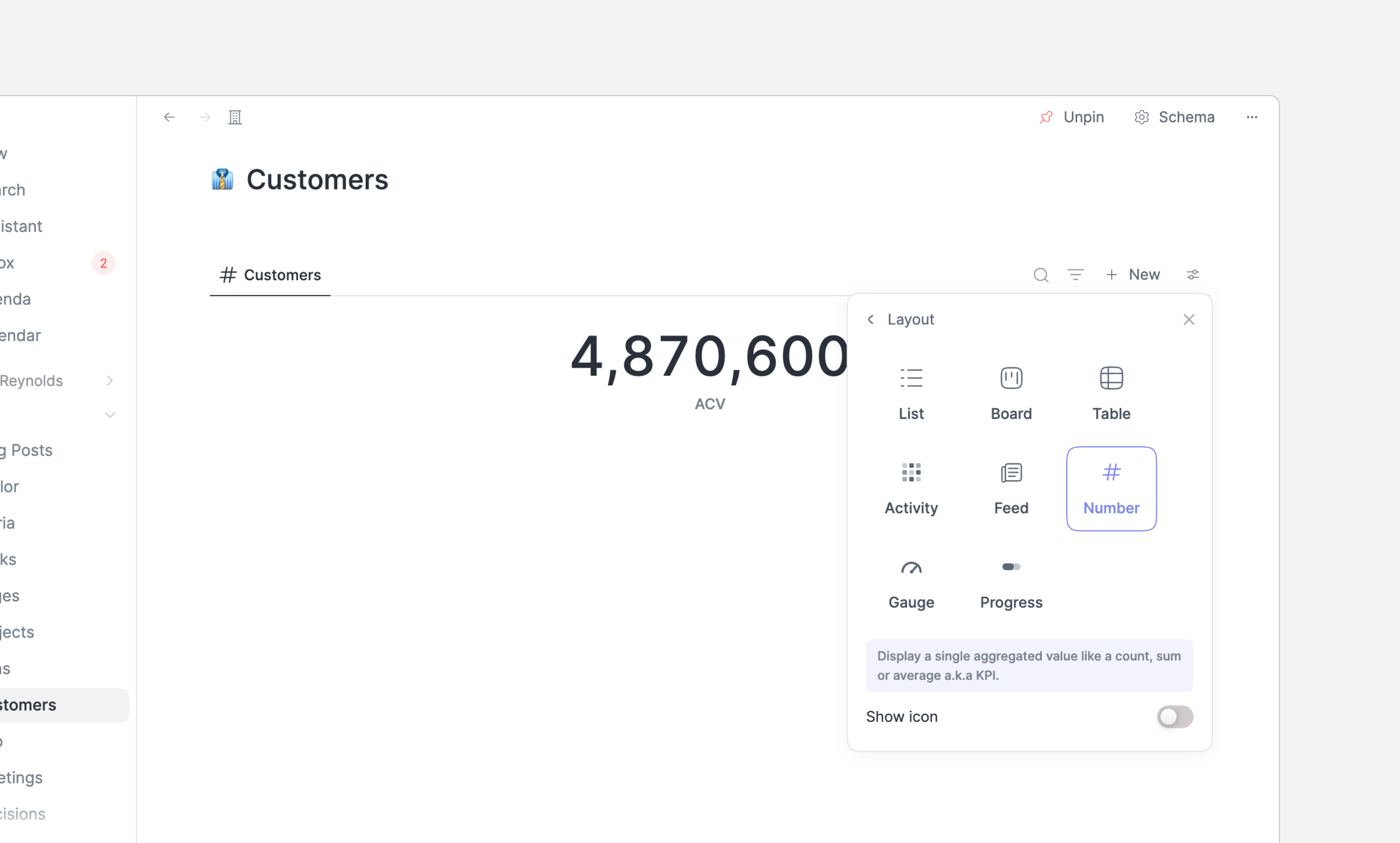
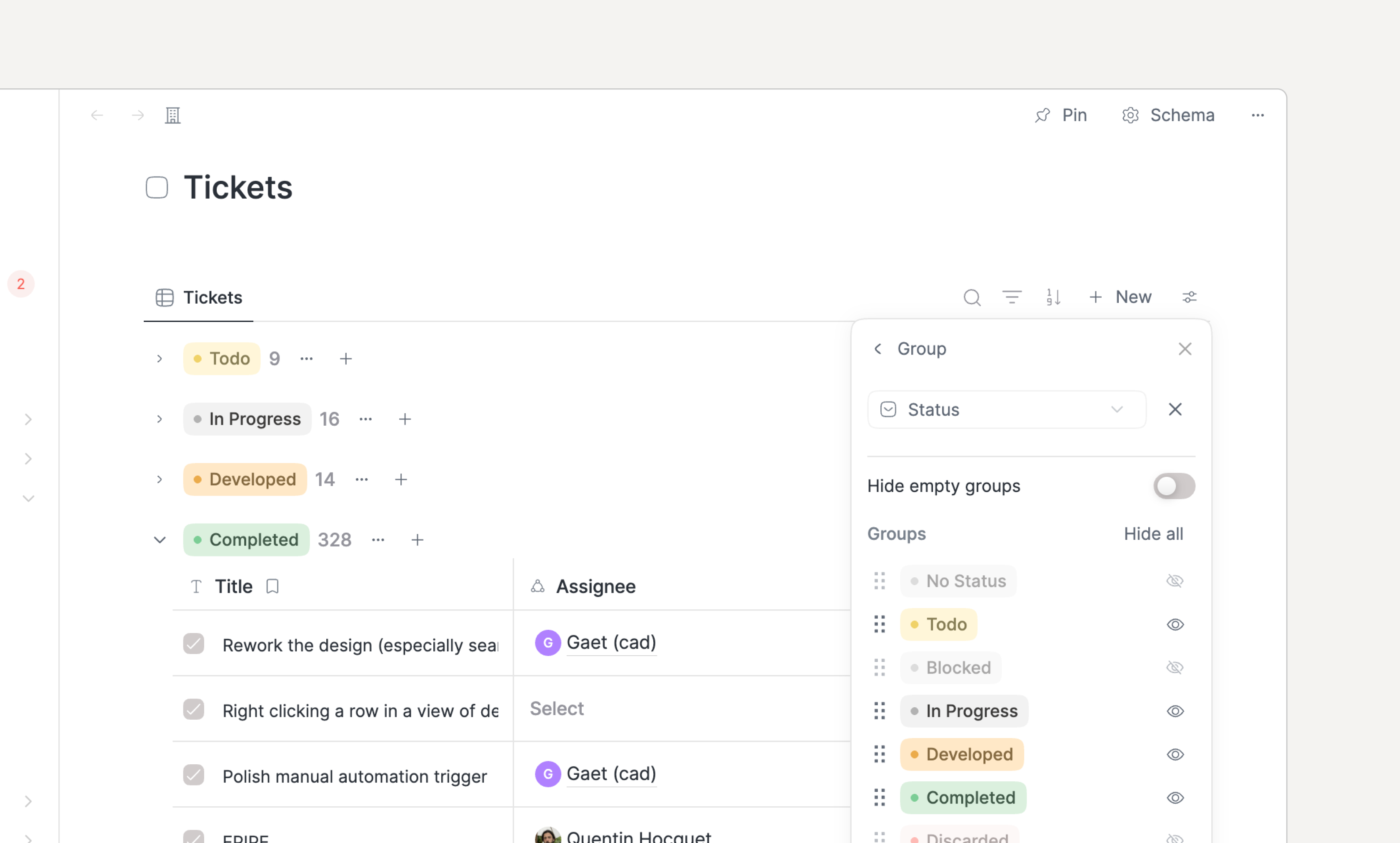
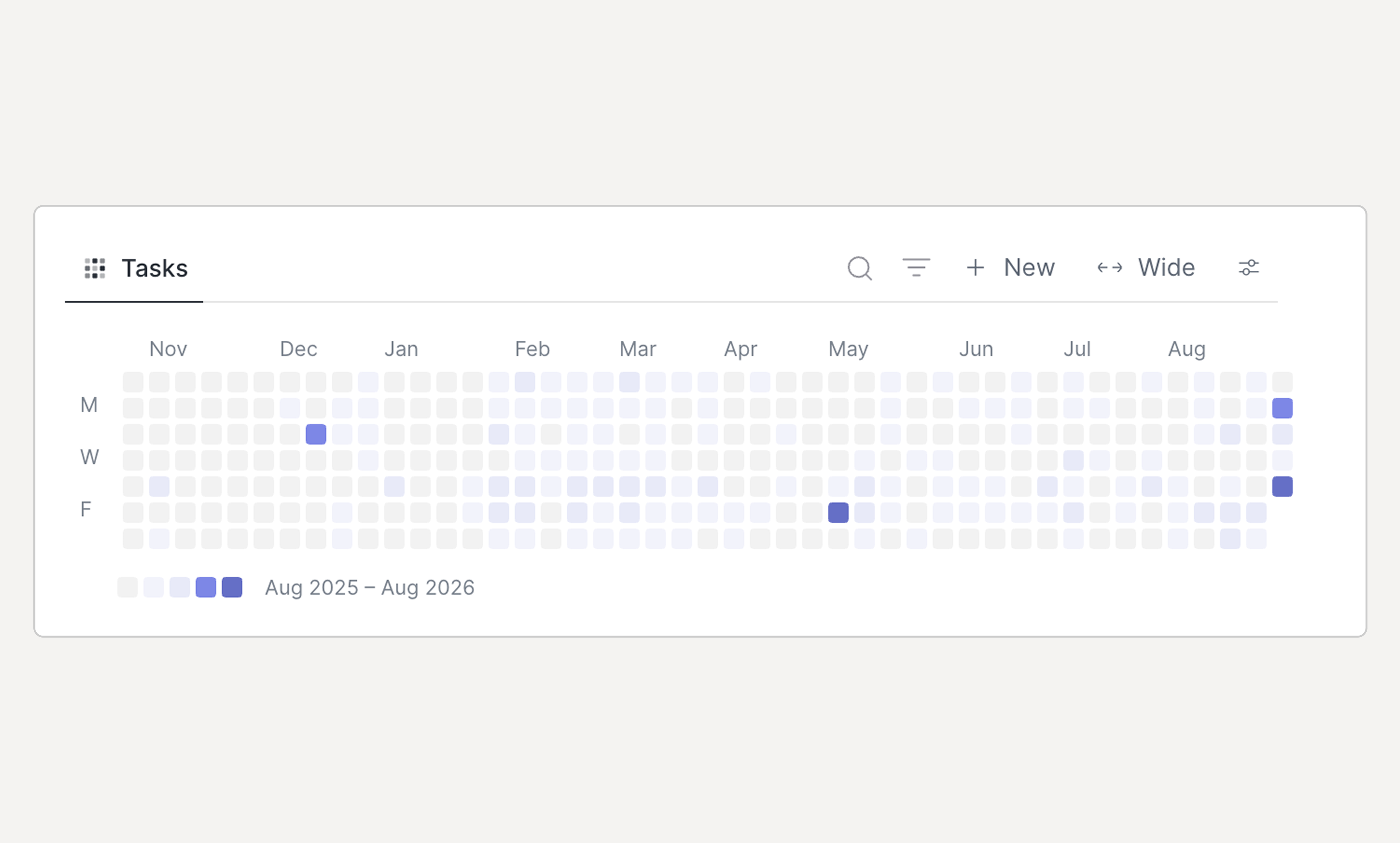
A new database screen has been introduced to more easily overview the items of a given type.

You can navigate to such a database either through the main + menu or through a relation property:

The relation properties have also been improved to allow unsetting a value and creating a new object directly from the relation field (+ New).
In addition to the introduction of checklists and mentions, the note editor has been improved:
The latest inputted characters were sometimes lost; this has been fixed
CMD/CTRL+S can now be pressed to force the flush/save of notes
The selection of todo blocks in notes reverted the status of those tasks; this has been fixed
The calendar has also been improved:
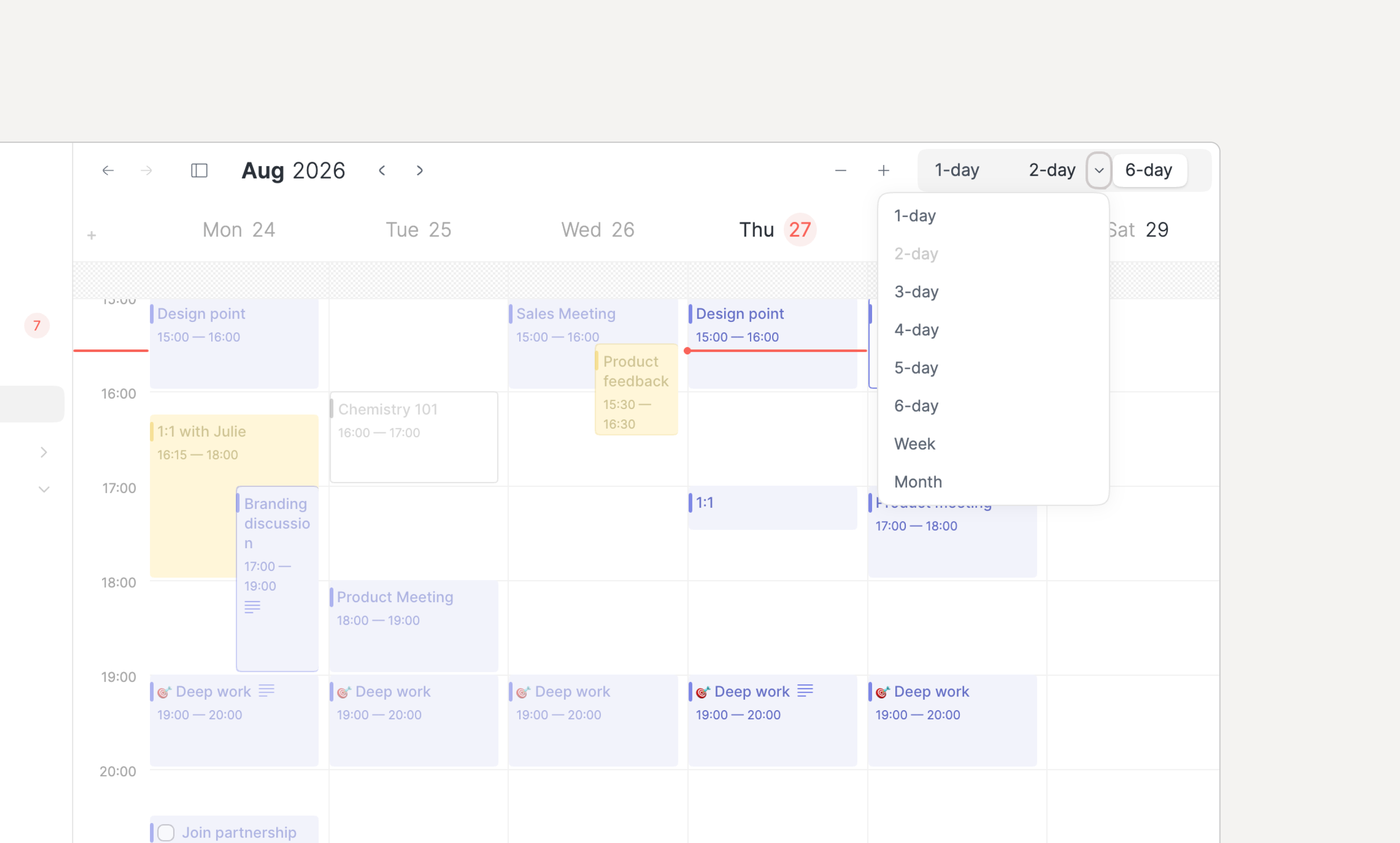
The calendar footer can now be resized manually
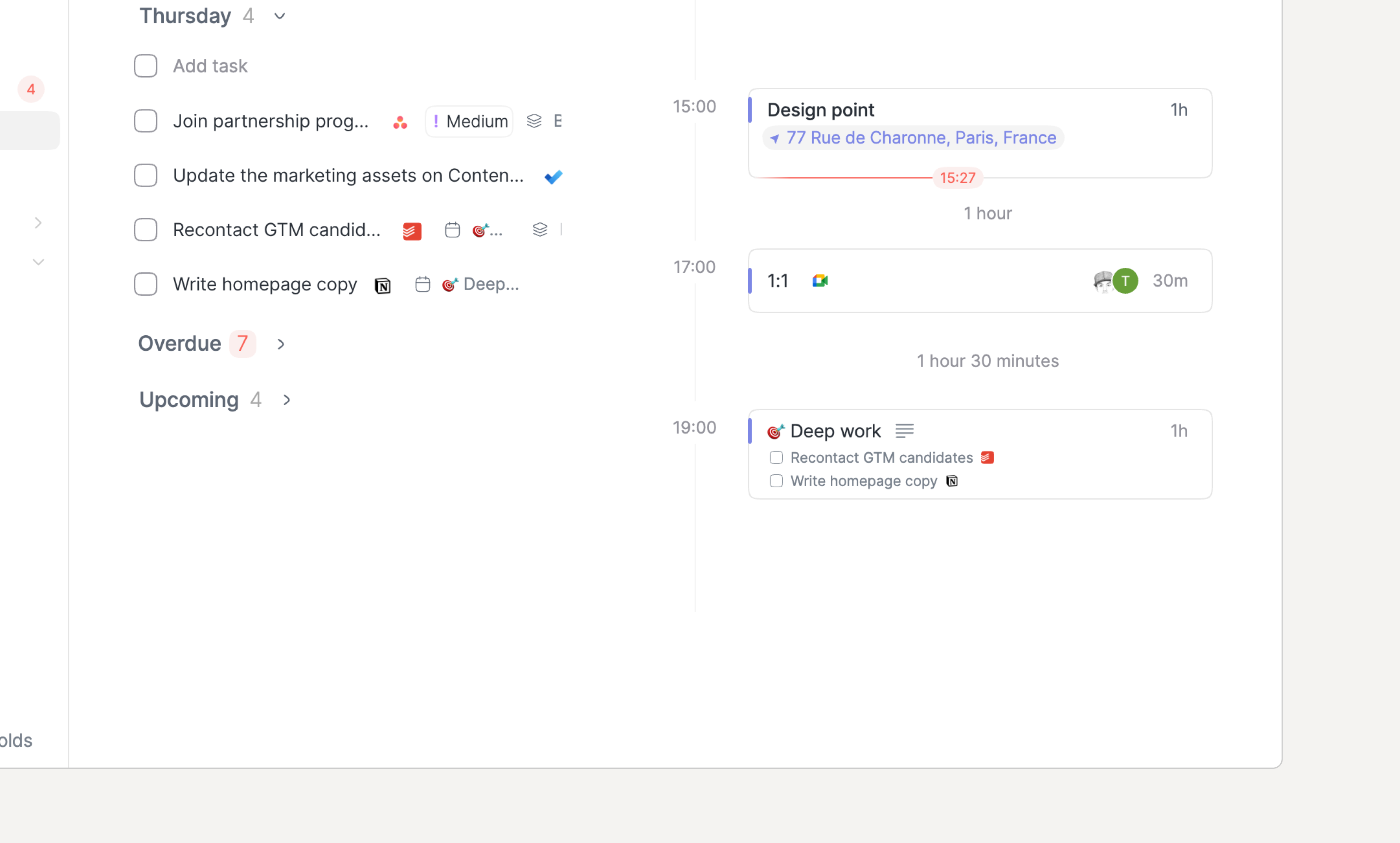
The completed, discarded & todo tasks of the past days are now displayed in the calendar footer
The Add task... input field in the calendar footerโs lists has been moved to the top to always be accessible
The calendar time increment was wrong when the very first eventโs start time was not on the hour; it has been fixed
Task management has been improved as well:
Like any other task, recurring tasks can now be moved to another parent
When a paused recurring task is resumed, the un-generated occurrences are now generated as Discarded. Until now, those โcame backโ in the Overdue section.
Other areas have also been improved.
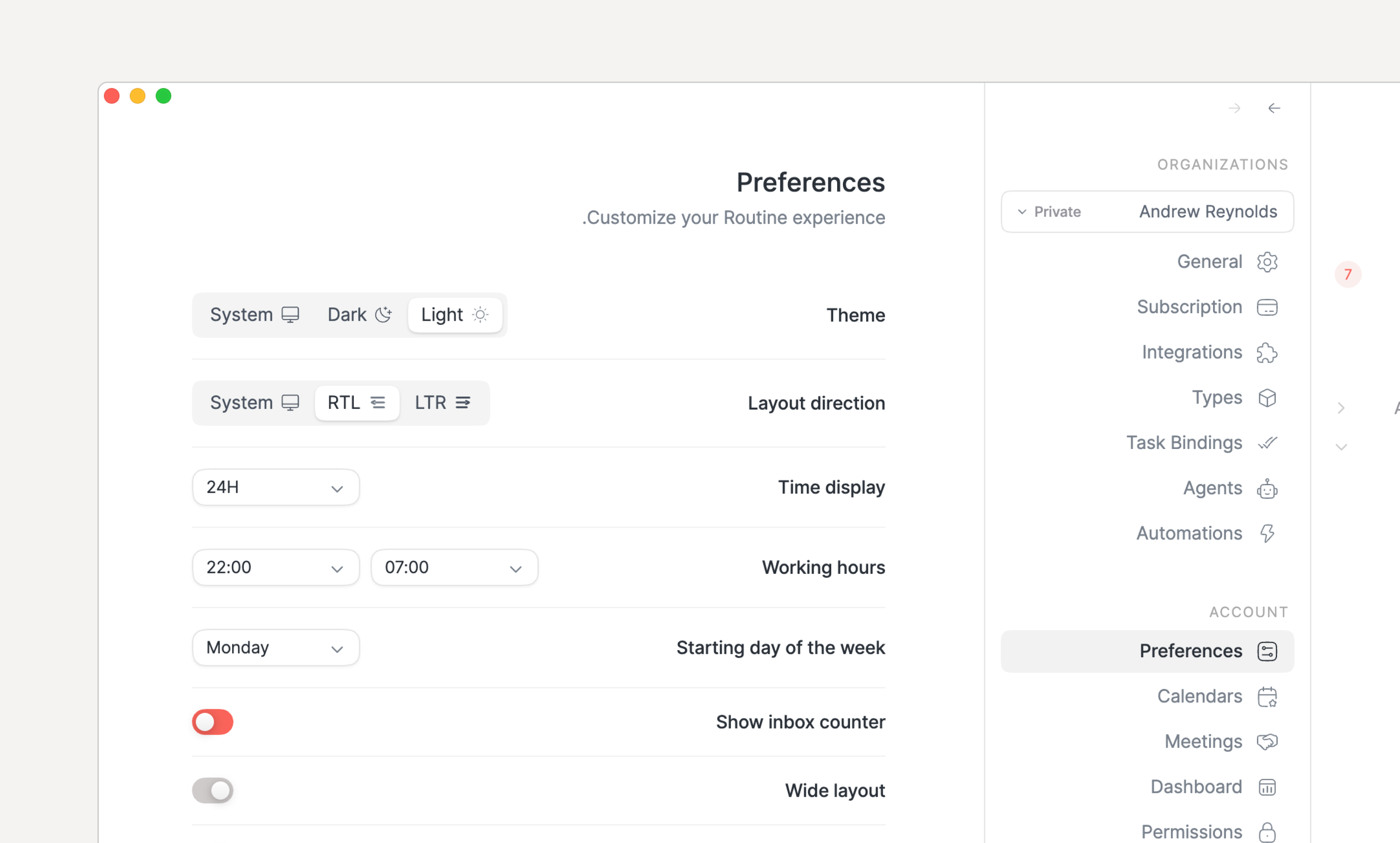
Preferences: the preferences were not saved across launches; this has been fixed. We are very sorry about that.
Menu: the menu is now synchronized across your devices
Search/references: the search/reference results have been increased to 50 items and are scrollable
The next release should be out in a few weeks, bringing our brand new integration engine!
December 21st, 2025
macOS
Windows
Linux
Web
Routine Desktop 0.24 introduces major new features that are bringing Routine closer to the 1.0 milestone ๐.
You can now ask Routine to automatically record and summarize your meetings. You might think that many services already do that, and you would be right. Butโฆ

Existing standalone AI meeting recording services create yet another data silos by saving the meeting notes and action items in a dedicated tool that does not connect to your daily workflow.
Routineโs vision is to break such data silos. And because Routine already handles your meetings, notes and tasks, it is the ideal place to put more of those, just now automatically thanks to AI.
Oh and, cherries (plural) on the cake:
Routineโs AI does not rely on a bot that joins your meetings, making it less intrusive
You can take private notes and those will be taken into account when summarizing the meeting; and
The action items are converted into real Routine tasks that can be planned, enriched and blocked into your calendar! ๐คฏ
You thought AI meeting recording was huge, well wait for that one!
Routine now allows you to extend your tasks, events, pages, contacts and calendars (what we call default types) with additional properties.

Do you know of a calendar that allows you to extend the meaning of events to add information to them, such as a label, a priority or even linking your events to customers? Short answer: no.
This is exactly what Routine allows you to do. And the possibilities are infinite ๐โฆ
Attachments are here!
You can now upload PDF files, videos, images and more, making it a lot easier to enrich your documents with additional information.

The embeds have also been improved to support more platforms and file formats.
A floating table of content is now displayed next to your notes.

The table is discreet at first and can be expanded and clicked when you hover your mouse over it. And it follows as you scroll through the document, making it accessible at all times.
You can now configure Routineโs spellchecker to take into account the languages you write in or disable the spellchecker if you prefer.

Thatโs a wrap for 2025โฆ
2026 is going to be even bigger!
Expect the following as early as January:
Collaboration
Integrations
October 16th, 2025
macOS
Windows
Linux
Web
We are trilled to present Routine Desktop 0.23.
This release is a very important one as it brings together a large number of polished improvements that will make using Routine feel like a breeze.

Not everybody works the same! Some people are all about action and love Routineโs Agenda for its ability to summarize the whole day. But other are more about writing and reflecting.
This is why Routine is now equipped with a Journal screen.
The Journal can be used as an entry point for your day, to reflect on yesterday but also to plan by creating tasks or link your thoughts through references, effectively creating a digital brain.
NOTE: the previous Journal screen has been decommissioned in favor of the Agenda. Indeed, the Agendaโs past days now lists the completed/discarded tasks of the day along with the tasks you had planned to do but did not.

Please welcome another brand new screen: Contacts.
Since the early days of Routine, our vision has been to combine tasks, calendars, notes & contacts into a single app.
Contacts had been left on the side for now. This is no longer the case even though a lot remains to be done. In the meantime, the new Contacts screen provides an entry point to all your contacts.
The note editor has also been improved with the introduction of callout blocks:

We have been hard at work improving the calendaring experience, both in the Agenda and Calendar.
Below are some of the most important features, improvements and bug fixes:
Set the attendance through the right click menu
Switch between your calendars when time blocking by pressing TAB
Week numbers are now displayed in the Calendar
Event descriptions are now displayed in HTML
Calendar hours are now synced with your working hours preferences, allowing to hide night hours for instance
A sound notification is emitted 1 minute before every Agenda event (can be turned off in Settings / Preferences)
Zoom in/out in the Calendar
All-day event creation ghost is now displayed
Draft events can be dragged around to be repositioned
The Agendaโs dragging abilities have been greatly improved
Multi-day events are better displayed in the Agenda
Task management has also been greatly improved, providing core functionalities that were so far missing to get a complete experience.
Letโs take a look at whatโs new:
Drag tasks between sections (Overdue, Upcoming, Unplanned etc.)
Drag tasks inside events & allocations in your timeline, effectively moving the task to another event/task
Block time multiple times for a single task by pressing ALT and dragging an existing allocation
Duplicate objects (tasks, events etc.) with CMD+D, right click etc.
You can now scroll within the lists of tasks in the Calendar footer
Wonโt do has been renamed Discard and a Discarded section has been introduced
Sections (Overdue, Upcoming etc.) and stars are now displayed in future days/weeks allowing you to better plan in the future
Search results now display the status checkbox of tasks
ALT+ENTER in the โAdd taskโฆโ input field creates the task and puts focus right back in the input field
ALT+ENTER at the end of a task in notes creates another Task block underneath
The next Desktop release is due in about 2 weeks and should include:
AI meeting recording & transcription
Extending default types (Task, Event, Page, Person) with custom properties
Spellchecking
Floating table of contents in notes
October 9th, 2025
Android
Routine Android 0.3 is now on par with Routine iOS, providing a full-fledged experience arounds tasks, notes, calendars & contacts.
You can now use Routineโs calendar on Android; everything is two-way synced with Google calendar and your other Routine apps
This includes switching between layouts (3-day, 5-day, month), creating/editing/deleting events & meetings, opening the details etc.

The Routine Android app now supports taking notes, anywhere, anytime!
Be it for meetings, pages, tasks or else, Routineโs note editor comes with all the whistles you might expect to make your notes beautiful!
Even more, you can now create tasks in your notes, allowing you to structure your action items more easily.

You can drag a task onto your calendar to block time and make sure you will dedicate the time that task deserves
Routine is blazingly fast on Android thanks to the offline mode and a few performance optimizations weโve implemented for the experience to be flawless
The main + button allows for quickly creating tasks, events & notes
The Pages screen has been improved:
Quick access to the recently accessed pages
Expand/collapse the hierarchy of pages/subpages
Create tasks in notes
You can configure your preferences: first day of the week, time display, theme etc.
We are currently working on bringing daily notes/journaling to all apps, allowing you to quickly take notes for the day.
September 8th, 2025
macOS
Windows
Linux
Web
Routine Desktop 0.22 has arrived, bringing a lot of features that you have been waiting for, for a long time!
You can now create code blocks and highlight the code based on the language of your choice

A new repeat user interface has been introduced that is easy to discover/use but also supports advanced rules such as โevery 3 weeks on Monday, Tuesday, Fridayโ; along with natural language to go faster

We have introduced a new global hotkey for joining the next meeting; particularly handy when jumping from one meeting to the next
You can configure this hotkeys in Settings / Hotkeys.
You can now configure Routine to launch at startup automatically
Head to Settings / Preferences to manage all your preferences.
The Overdue/Upcoming/Unplanned sections have been added to the Calendar

Whenever navigating backward/forward the scroll position is now restored
The sections, panes etc. that you collapse/expand are now saved across launches
Enabled lazy loading & pagination in the Agendaโs sections e.g Upcoming, Unplanned
Enabled pagination in the inbox to speed up loading when there are many items
The fact that some features were not accessible in premium has been fixed
The Archive/Unarchive actions have been removed as we move toward custom types
Added tooltips with the associated keyboard shortcut on some buttons
Made actions in the right click menu, โฆ menu etc. consistent
Simplified bottom pane of Calendar to have a single height
Fixed keyboard shortcuts for navigating in the menu when customized
Improved note editor: bug fixes, highlight current block type in / menu
Improved event/meeting management & Google integration
Brought back the Linux installer
Fixed the Notion integration that could sometimes not be set up
Improved markup hyperlink detection when pasting a URL
We are currently working on things:
Collaboration: to allow teams to use Routine: for their business, non-profit or just within a group of friends/family
Integrations: to allow you to connect 50+ products & services to Routine

July 21st, 2025
macOS
Windows
Linux
Web

Secure your seatbelt, this is by far the biggest release weโve ever done!
Routine is now officially a local-first app ๐. Local-what???
People want their productivity app to (i) run super fast and (ii) work all the time (even in the subway).
Traditional apps (Notion, Todoist, Evernote etc.) all follow the same pattern: the appโs โbrainโ is in the Cloud along with your data. Those apps are known as Cloud-first. For the app to work when you lose Internet connectivity, those apps provide an offline mode that is quite limited (because the brain of the app is in the Cloud and therefore requires Internet connectivity).
Weโve decided to take another approach, known as Local-first. With this paradigm, the data and the brain of the app live on your device: desktop (macOS/Windows/Linux) but also mobile (iOS/Android).
The results?
Increased privacy because your data is always accessible locally
Improved performance because the data is close by
Offline access, no matter if it is for a minute or a month
We're thrilled to unveil Routine Desktop 0.21, our biggest release so far.
โ ๏ธ Note that you will need to upgrade your apps (macOS, Windows, iOS & Android) for your data to be migrated to this new version. It should be automatic. But if you run into any problem, just download the latest version of the app for your platform.
Offline
All the Routine apps are now offline ready. This means you can use Routine without an Internet connection. When back online, everything synchronizes automatically.
NOTE: if you find some pages named โOrphan event notesโ, do not worry, those are old notes from events that we could not put back in the appropriate events.
Menu bar widget
Routine now comes with a powerful widget that sits in the menu bar on macOS and Windows, always displaying the upcoming event.
The widget, if clicked displays the events and tasks of the day along with task-specific timers that record the time spent in your calendar and a special Pomodoro timer.
Read more โ

Customizable menu
Not only can you now hide the menu items you are not using/do not want to see, but you can also pin objects (tasks, events, pages, people) for quick access from the app menu.
Read more โ

MCP server
The Modal Context Protocol (MCP) has recently become the de-facto standard for allowing AI models (ChatGPT, Claude, Gemini) and services (Zapier, Cursor etc.) to talk to other apps.
Routine now supports the MCP which you can connect to you favorite model/app.
Read more โ

Launch at startup
You can now automatically launch Routine when your computer starts.
Head to Settings / Preferences and click the Launch at Startup toggle.
In addition to those new features, weโve been hard at work improving key components of the Routine experience.
Plan action
The Schedule and Postpone actions have been merged and replaced by a new Plan action. This new action is simpler to understand, has a beautiful user interface and supports natural language for the most advanced users.

Agenda layout
The Agenda has been reworked to improve re-planning your day. It now features sections for overdue, upcoming and unplanned tasks.

Notes editor
Weโve improved the notes editor quite a lot:
Many keyboard shortcuts to select blocks CMD/CTRL+A, SHIFT+click etc.
Normal click to open links (instead of CMD/CTRL+click)
More keyboard shortcuts for formatting CMD/CTRL+SHIFT+C, CMD/CTRL+SHIFT+S etc.
Add block above/below with the + button and keyboard shortcuts e.g ALT/OPT+ENTER
Improved hyperlink manipulation and keyboard shortcuts e.g CMD/CTRL+K
Support for emoji with : and /emoji

And many more bug fixes
The inbox now features a discreet counter to indicates how many items are in there to process.

The all-day events are now displayed in the Agendaโs timeline
The drag & drop onto the timeline has been improved, in particular regarding early/late hours
The Journal has been re-introduced (note that you can hide it thanks to the customizable menu)
Pages can now be reordered in the pages hierarchy
And of course, many bugs have been fixed, too many to mentionโฆ
We are currently working on the custom types, allowing you to create any type of items you want to manipulate, from movies, books, classes etc. to projects, tickets, bug reports, customers and more for professional uses cases.

February 11th, 2025
Android

The Android app is here ๐.
This was the most requested and only missing platform.
Routine is now officially running on all major platforms: macOS, Windows, Linux, Web, iOS and Android.
This first version includes the Agenda (tasks & events of the day) and Inbox (tasks to be organized).
Events can be opened to consult the date/time, location & participants while tasks can be planned to another day or week.
Noteworthy is that:
The app currently takes a few seconds to load. The offline mode (which is about to be released in 2-3 weeks) will make the app start instantly.
If you plan a task for a week, the task in question will not be visible through the Android app since the Calendar screen (which lists the tasks of the week) is not available on Android yet
The notes taken in a task or event are not displayed when opened
We are actively working on bringing the Android to par with the desktop version.
The next release will be the offline mode which will be made available on all platforms at once.
Then, the notes will be displayed, including a new Pages screen for you to access the content of all your pages.
๐ค You can download the Android app on the Google Play Store.
January 31st, 2025
macOS
Windows
Linux
Web

We have been hard at work completely reworking the note editor to bring you a state-of-the-art note taking experience.
This is only the beginning; code and callout blocks are coming soon along with a new hierarchical structure.
You can now select text in between blocks
The / menu has been reworked
Hyperlinks have been improved:
You can now open hyperlinks through a single click
You can press OPT/ALT+click to position the caret in a hyperlink without opening the link
If you have a URL in your clipboard, you can select text and paste it (CMD/CTRL+V) to automatically create a hyperlink over the selected text
You can press CMD/CTRL+K to create a hyperlink on some selected text, the pop-up will appear for you to enter the URL
A new user interface has been designed for editing hyperlinks

The Believer plan has been sunset in favor of a new Professional plan. More information on the pricing page.
In addition, new Plan and Billing screens have been added to the Settings for you to easily manage your subscription.

A new light/dark mode has been introduced which follow your operating systemโs preferences.
If you set up your operating system to automatically switch between light and dark mode depending on the time of the day, then Routine will do the same.
Routine freezing when opening a sub sub task has been fixed
Automatic allocating time sometimes failed even though there were openings in your calendar. This has been fixed.
Switching to the monthly calendar view had an issue, it has been fixed
Routine now better handles birthday events in Google Calendar
Taking notes in events you did not own stopped working on Desktop/Web. It is now possible once again.
Meeting invitations stopped showing up in the inbox. We fixed it
Copying & pasting notes could lead to a reverse order. We fixed it with the new editor.
The keyboard shortcuts have been fixed for Linux
The reference pop-up that extended outside the window has been reworked
Resetting the zoom is now possible with the keyboard shortcut CMD/CTRL+0.
Note that as a result, this keyboard shortcut no longer opens the inbox.
It was sometimes not possible to put a whitespace in the title of a task or page
There will be a lot of news in the coming months.
More specifically:
The offline mode is currently in its final testing phase. It should be released publicly in the coming weeks
This offline mode will be made available on all platforms (macOS, Windows, Linux, Web, iOS and Android) at once.
The note editor will continue to be improved with many small tricks to make your life easier, a redesign and the introduction of new blocks (code, callouts etc.)
A bit later, the custom types should arrive, allowing you to define your data entities: project, milestone, ticket, candidate, epic, habit etc.
We have started working on integrations in order to allow you to bidirectionally synchronize data with your other favorite services: Slack, Intercom, Todoist, Gmail and dozen more.
Several services have been launched for the community to better contribute:
September 12th, 2024
macOS
Windows
Linux
Web

Itโs been a few months since our last update. But for good reasons ๐.
This is mostly due to the fact we were working on fundamental pieces of the app. Having only 3 software engineers and the holiday season also didnโt help.
Now that the team is 7 engineers strong, we have a lot more capacity and we will be releasing more often, promise ๐ค.
Without further ado, let me present you Routine Desktop 0.19โฆ
You can now search for your data anywhere in Routine, in titles but also in notes
Note that Routineโs search will also work in offline.
We have entirely reworked the way the app fetches data which drastically improves the appโs performance.
The experience should feel a lot faster now.
Note that we are working on improving the feeling of switching from one screen to another as it sometimes feels like it is blinking.
We just launched the Routineโs marketplace ๐
Even though it is still in its early phase, it will give you a glimpse of Routineโs direction.
Also, it is helpful to discover what views are already capable of.
Oh, and you can upvote for your favorite integrations, something we will start working on in a few weeks.

Finally, Linux is now supported
Note however that it does not come with auto-update. You will have to automatically download and install each new version.
Calendars can now be displayed in views

Clicking the Calendar menu icon (if already on the Calendar) will bring you to the current period (week/month)
Event participants are now ordered by attendance: going, then maybe then not going
Long list of event participants are no scrollable
The progress line position on short events in Agenda has been fixed
The keyboard shortcut to open the Inbox (CMD/CTRL+0) has been removed because it conflicted with reseting the zoom
You can now type a / command followed by the main argument
This is handy to do /view QUERY or /task TITLE
We are currently working on the following:
Android app
Notes editor
Offline mode
Custom types
I cannot say which one will come next but as mentioned we will now be back to a more regular release cadence even though what is coming are big pieces.
Follow me and/or Routine on LinkedIn to get details about Routineโs journeyโฆ
May 30th, 2024
macOS
Windows
Web

First we want to thank you for your patience. Weโve been hard at work putting together fundamental pieces which will make Routine unique in the future.
We are very excited to show you what we have done so far, in particular in the form of viewsโฆ
We are very happy to introduce views.
Views allow you to visualize data in a different way from how they are usually displayed in calendar, task management or note taking apps.
To start using views, type /view anywhere in notes:

In addition to the user interface, Routine comes with a powerful querying language that allows for more advanced use cases.
Time for you to start customizing your workflow a bit more (a lot more to come), with the examples below for instance:
Tasks as a board:

Overdue tasks from yesterday (could be put in a daily recurring task):

Meeting notes of the week:

โน๏ธ For more information, please refer to the knowledge base which has more information about types and views, including many examples.
Note that views can be resized horizontally:

You can now reference (i.e link to another object within Routine) through the use of the @ or [[ symbols

You can also nest/indent your bullet/enum points

As many of you requested, you can now select note blocks by drawing an area with your mouse

The meeting notes were taking a very long time to load. This has been fixed.
You can use CMD+A to (i) select all the text of a block (ii) select the block (if pressed once more) and (iii) select all the blocks (if one block is selected)
The bug related to the calendar view shifting when starting on Monday has been fixed
The issue related to copied note blocks being lost if a task is checked immediately after has also been resolved
The calendar monthly display has been improved: dark mode, double click to create an event etc.
Drafting an event without a title while changing its properties made the event disappear. It has been fixed.
Calendaring has been improved in multiple ways: all-day events, recurring events, email notifications, performance when switching week/month/etc. and more
Improved text formatting which is now more stable
And many many moreโฆ
Most likely, the next release will be specific about performance optimizations.
But we continue to work hard on putting together the fundamental pieces that will allow for Routine to be highly customizable to your workflow.
Custom types
Notes editor
Offline mode
For more information, do not hesitate to refer to the roadmaps and upvote for your favorite features.