Journal, Contacts, multi-allocations, callouts and more
We are trilled to present Routine Desktop 0.23.
This release is a very important one as it brings together a large number of polished improvements that will make using Routine feel like a breeze.
📚 Journaling
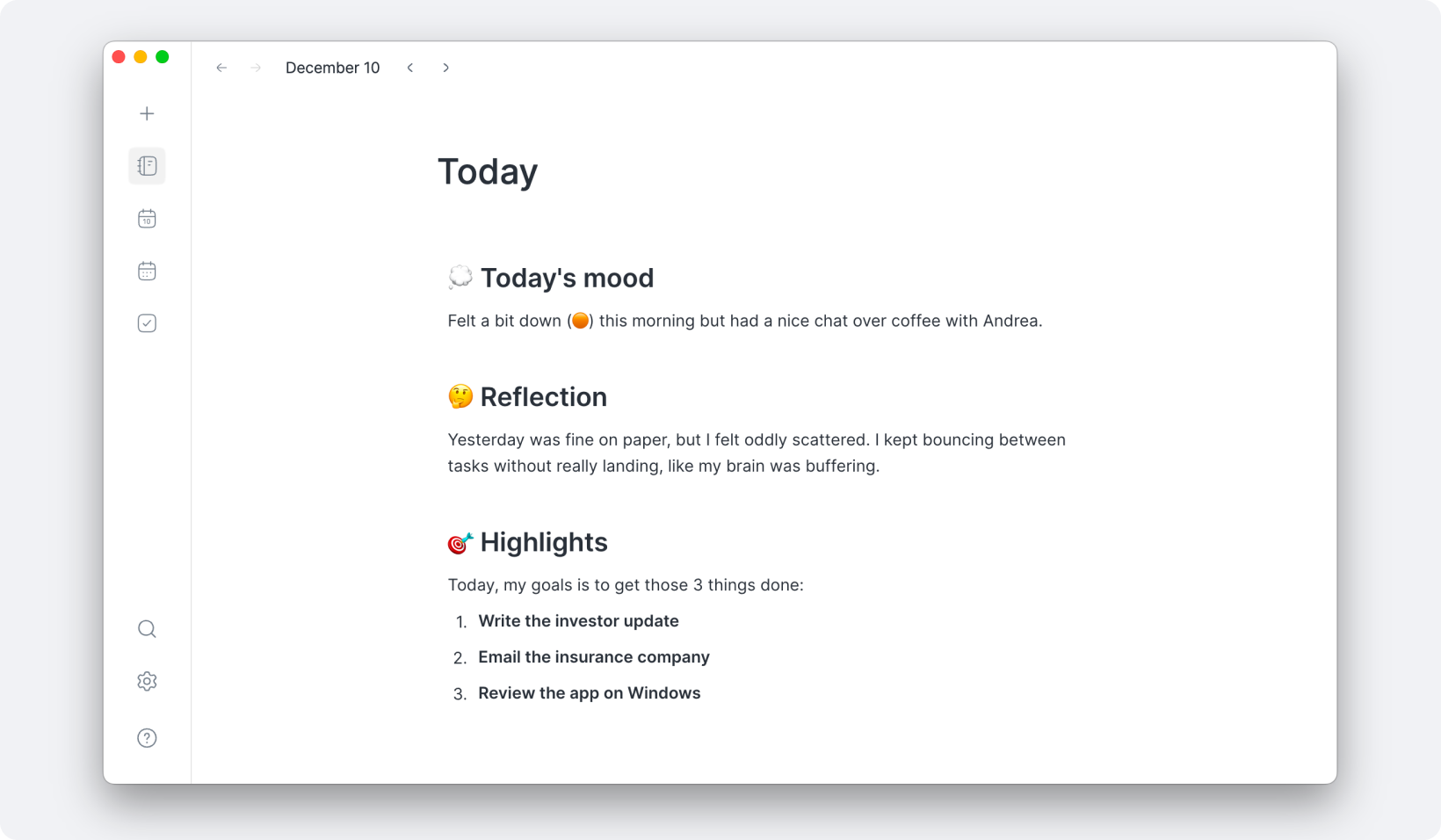
Not everybody works the same! Some people are all about action and love Routine’s Agenda for its ability to summarize the whole day. But other are more about writing and reflecting.
This is why Routine is now equipped with a Journal screen.
The Journal can be used as an entry point for your day, to reflect on yesterday but also to plan by creating tasks or link your thoughts through references, effectively creating a digital brain.
NOTE: the previous Journal screen has been decommissioned in favor of the Agenda. Indeed, the Agenda’s past days now lists the completed/discarded tasks of the day along with the tasks you had planned to do but did not.
👱♂️ Contacts
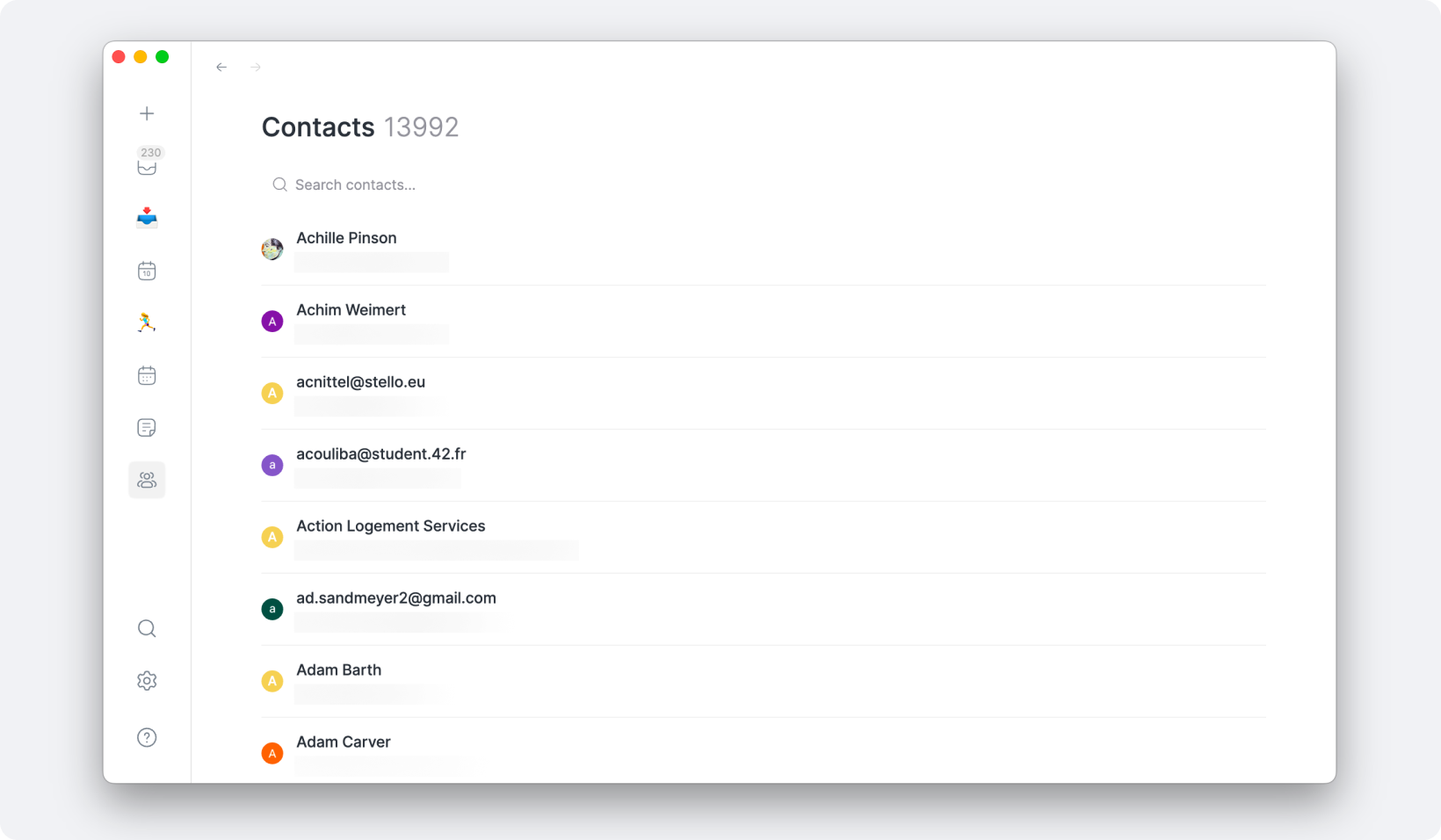
Please welcome another brand new screen: Contacts.
Since the early days of Routine, our vision has been to combine tasks, calendars, notes & contacts into a single app.
Contacts had been left on the side for now. This is no longer the case even though a lot remains to be done. In the meantime, the new Contacts screen provides an entry point to all your contacts.
📝 Note editor
The note editor has also been improved with the introduction of callout blocks:
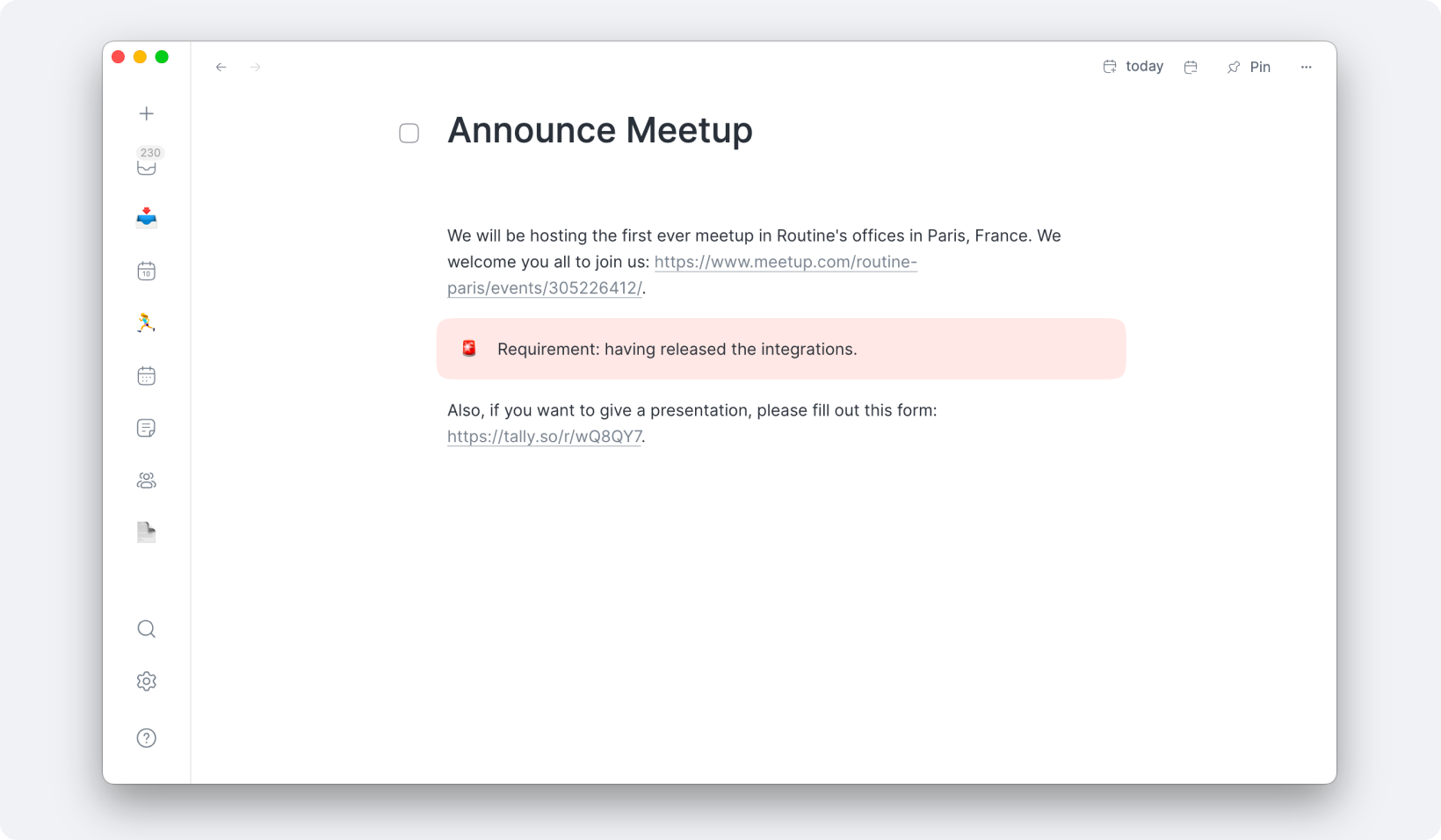
📅 Calendaring
We have been hard at work improving the calendaring experience, both in the Agenda and Calendar.
Below are some of the most important features, improvements and bug fixes:
Set the attendance through the right click menu
Switch between your calendars when time blocking by pressing
TABWeek numbers are now displayed in the Calendar
Event descriptions are now displayed in HTML
Calendar hours are now synced with your working hours preferences, allowing to hide night hours for instance
A sound notification is emitted 1 minute before every Agenda event (can be turned off in Settings / Preferences)
Zoom in/out in the Calendar
All-day event creation ghost is now displayed
Draft events can be dragged around to be repositioned
The Agenda’s dragging abilities have been greatly improved
Multi-day events are better displayed in the Agenda
✅ Task management
Task management has also been greatly improved, providing core functionalities that were so far missing to get a complete experience.
Let’s take a look at what’s new:
Drag tasks between sections (Overdue, Upcoming, Unplanned etc.)
Drag tasks inside events & allocations in your timeline, effectively moving the task to another event/task
Block time multiple times for a single task by pressing
ALTand dragging an existing allocationDuplicate objects (tasks, events etc.) with
CMD+D, right click etc.You can now scroll within the lists of tasks in the Calendar footer
Won’t dohas been renamedDiscardand a Discarded section has been introducedSections (Overdue, Upcoming etc.) and stars are now displayed in future days/weeks allowing you to better plan in the future
Search results now display the status checkbox of tasks
ALT+ENTERin the “Add task…” input field creates the task and puts focus right back in the input fieldALT+ENTERat the end of a task in notes creates another Task block underneath
👉 Coming Next
The next Desktop release is due in about 2 weeks and should include:
AI meeting recording & transcription
Extending default types (Task, Event, Page, Person) with custom properties
Spellchecking
Floating table of contents in notes