notifications get in the way - can't turn off
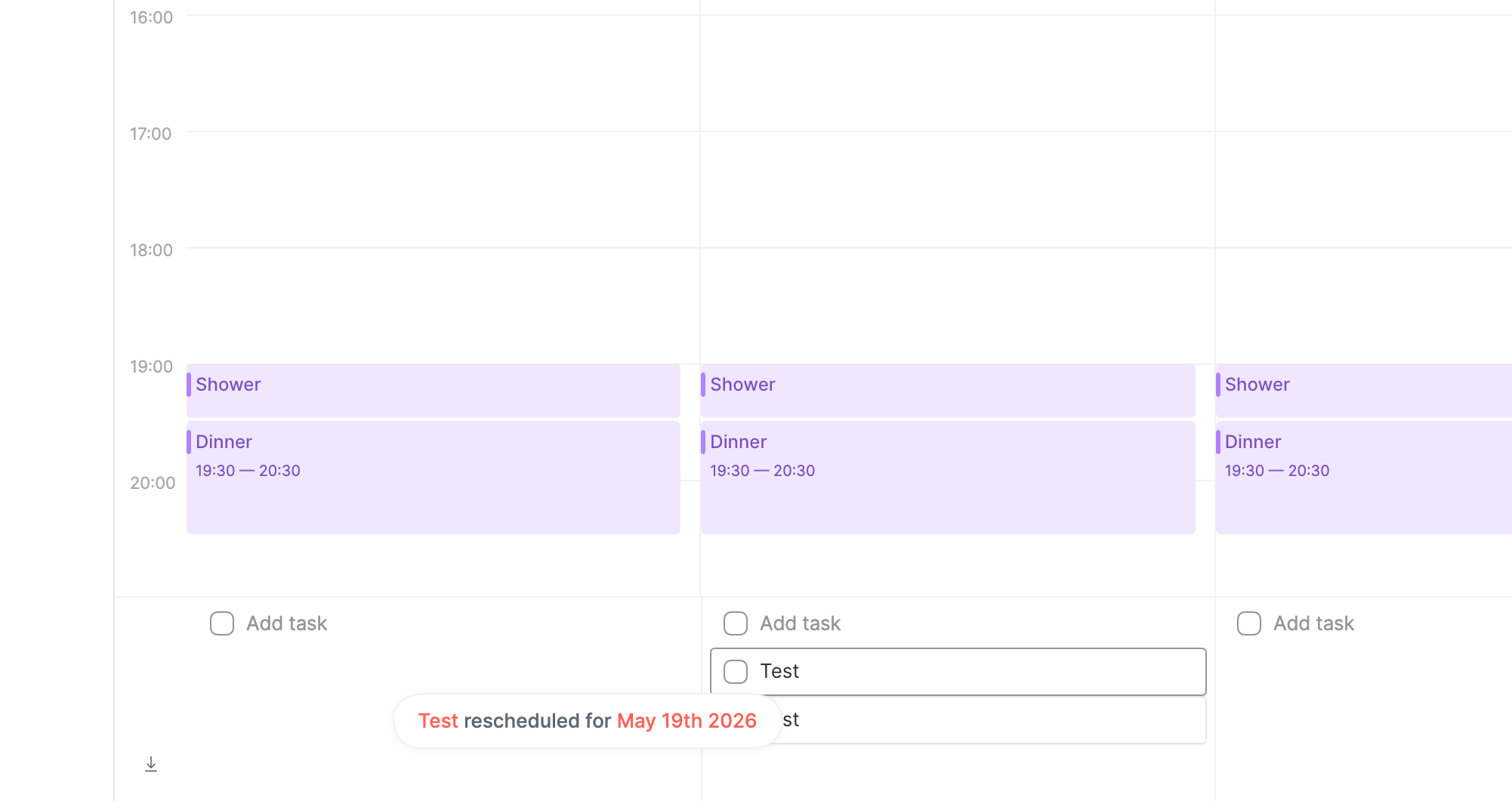
The desktop app notifications that show up at the bottom of the screen get in the way of seeing and interacting with the tasks at the base of the Calendar view making it challenging to use this view for time-blocking. I can see no way to turn these off or adjust where they are shown on the screen.
- Platforms
- macOS
Comments1
Nicolas Tassone
May 5
Hello
We’ll take a look at how we can fix that behaviour!