Integration/team tasks on mobile, improved voice commands & in-screen search
Routine 2.3 is mostly about improving the mobile experience. The mobile apps are lagging behind but we are now committed to focusing on stability and bringing mobile to par with desktop.
🗣️ Voice commands
Routine’s voice has been rebuilt from the ground up to offer a better experience:
The voice assistant now follows the user preferences you set in the Web/desktop app
It can act through integrations (e.g posting on a Slack channel), staging each action as a card for you to approve
It can dictate into writable third-party tables (a Notion database for example)
The voice assistant can also answer questions e.g “Who won the FIFA world cup in 2026?”
And if it is missing a detail, it now asks you for precisions
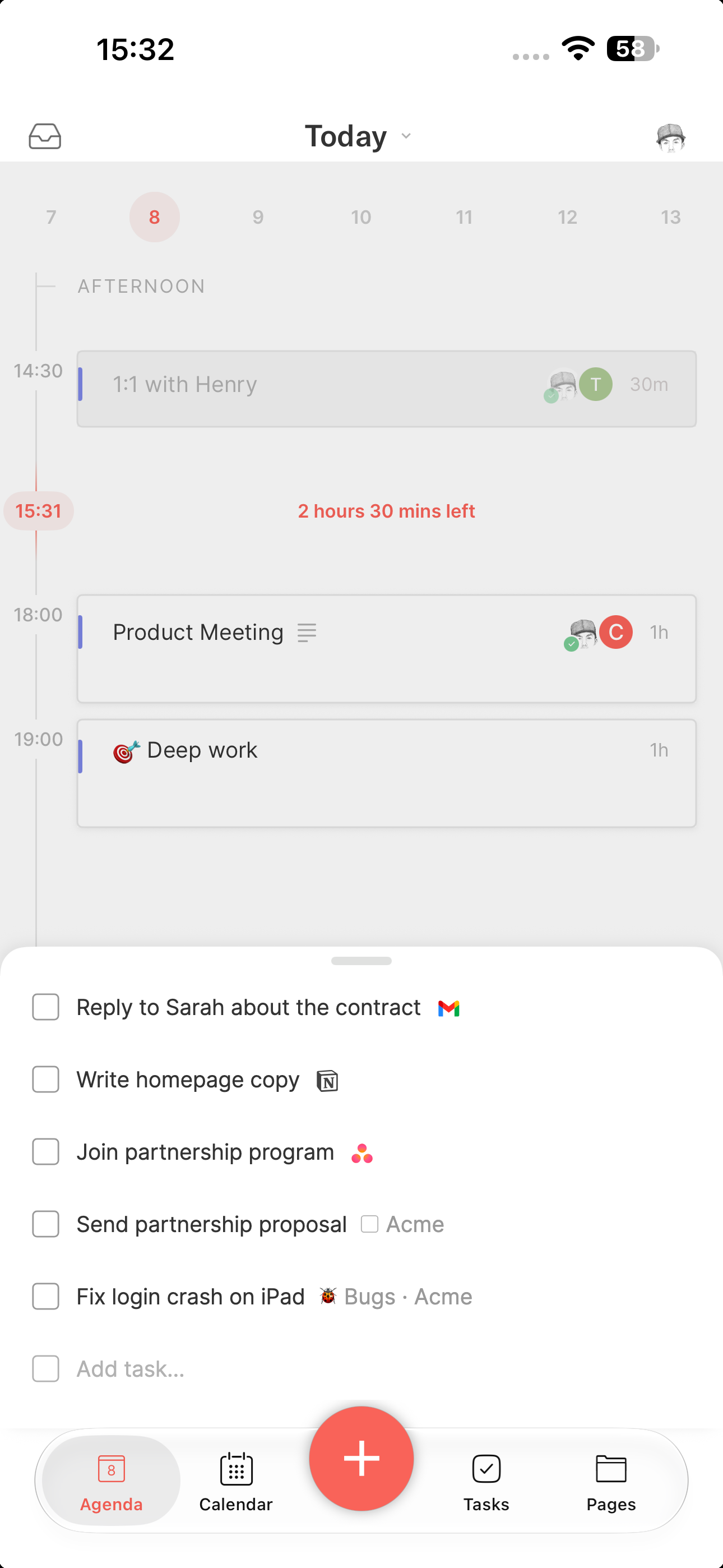
✅ Tasks on mobile
The tasks on mobile have been greatly improved.
Not only is there a new Tasks screen (with overdue, upcoming, etc. sections), but the tasks coming from integration (Todoist, Gmail, Slack etc.) and the team spaces can now be operated on mobile.
🤝 Meetings
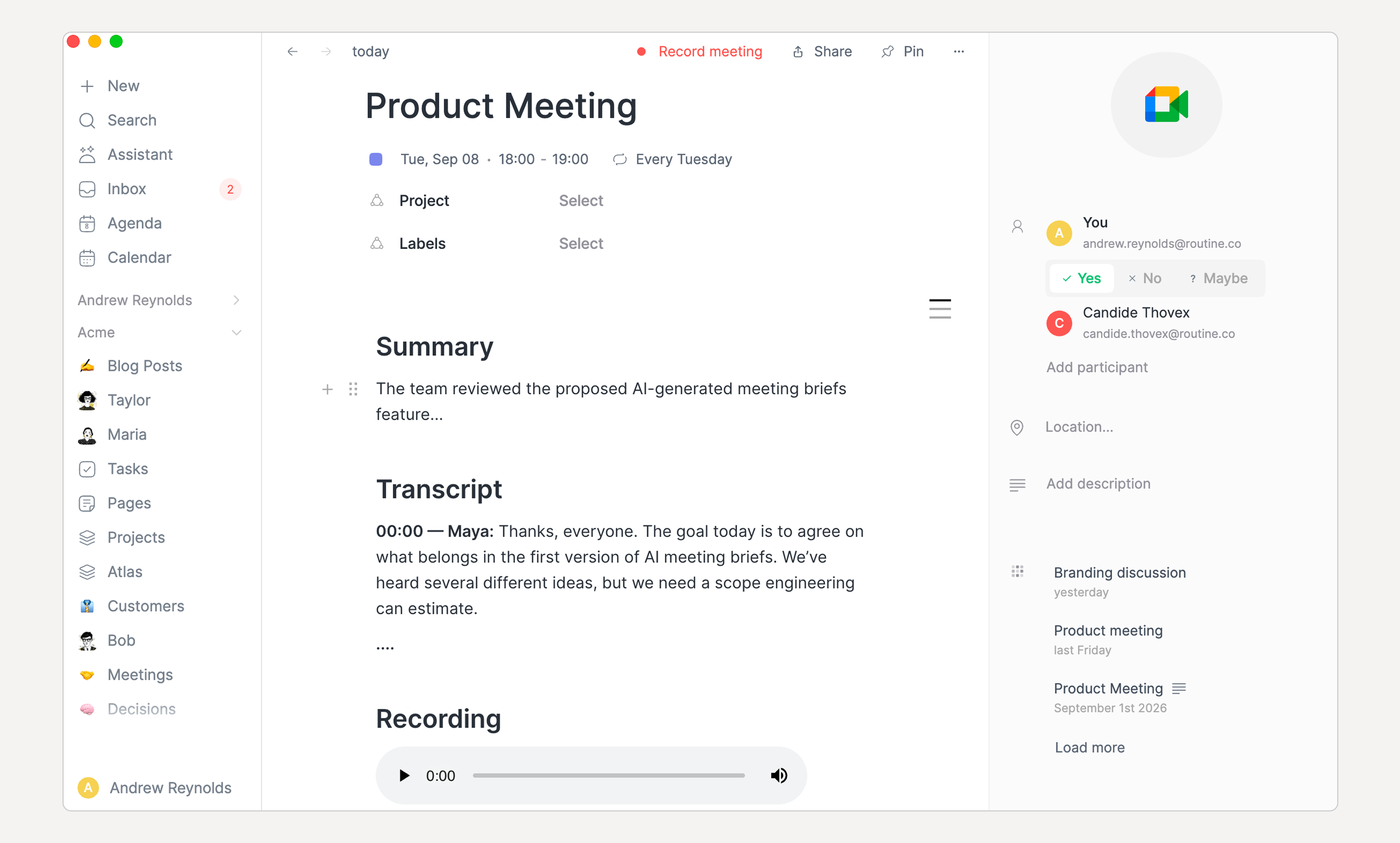
Meeting recordings have been greatly improved as well:
The audio recording is now added at the end of the meeting notes
You can now select the language you speak (in Settings / Meetings), or set to automatic for auto detection, though only 10 languages can be auto detected
The default summary prompt has been reworked. In order to benefit from it, go to Settings / Meetings, and click the Reset button next to the automation. You can delete the previous one.
🔍 Search (in screen)
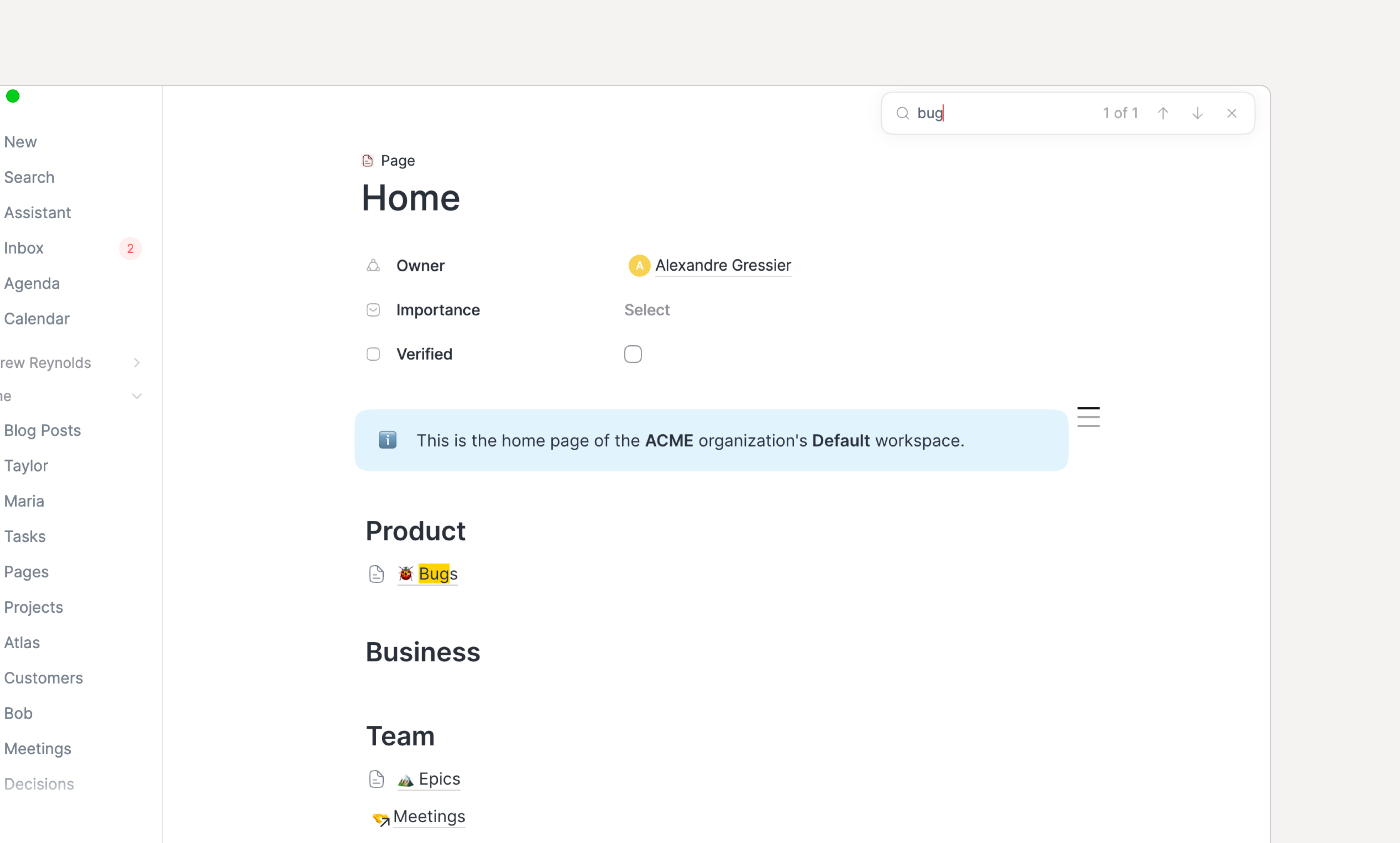
You can now search inside the current screen with CMD/CTRL+F as you would in a browser.
If you use this shortcut in a Database screen, the focus is put in the Database search input.
🧩 Integrations
A few integrations have been improved/fixed
The Notion integration has been fixed and now supports explicit status, checkbox and due-date property mappings.
GitLab issues can now be synced as tasks, either the ones assigned to you or every issue in a project, with their due date and open/closed state kept in sync both ways.
The Slack data source's channel picker now explains that a private channel only shows up once Routine has been invited to it with
/invite @Routine.Google Calendar, Google Contacts and Google Workspace Directory accounts can now be disconnected individually from the integration's settings page.
🗒️ Notes
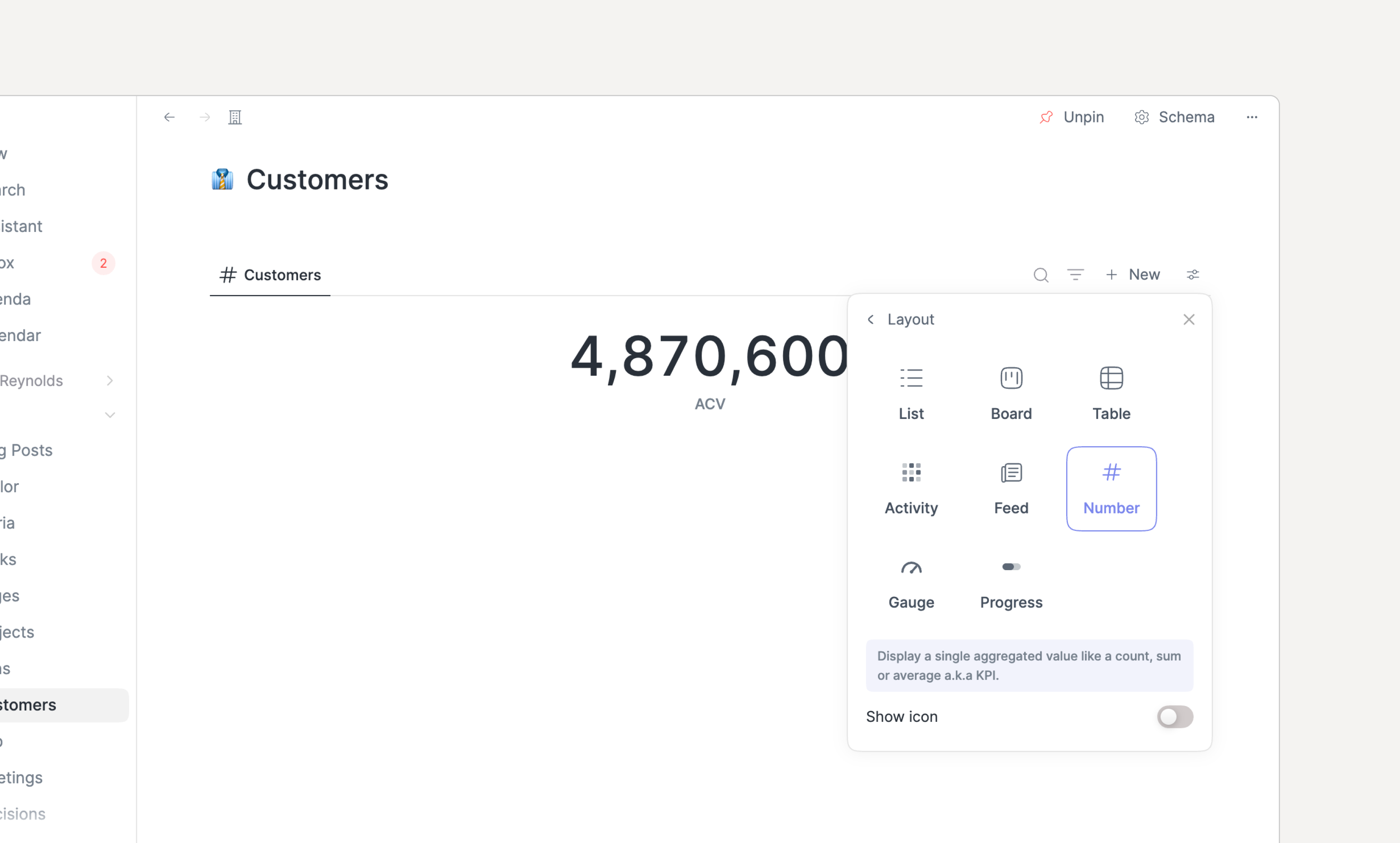
As requested, we included new data visualizations: number, gauge and progress bar.
All are similar as they provide aggregates (sum, average, count, percent etc.).
➕ Other
A few other things worth mentioning following your valuable feedback:
Calendars settings now offer a separate default calendar for time blocking
Scrolling to the bottom of the editor's
@menu now loads more search results, so items beyond the first page can be reachedContextual capture on macOS now captures the active tab from Microsoft Edge, Vivaldi, Opera, Opera GX, Wavebox, Chromium, Google Chrome Canary, Dia, and Comet, in addition to the previously supported browsers
Dragging a task by its handle to reorder a list keeps that task selected, instead of moving the selection to whichever task lands at its old position.
Opening the console on macOS no longer asks for Accessibility or per-app Automation permission unless Contextual Capture is enabled
Organizations, agents, automations, and conversations can now be referenced from the notes editor's
@and[[menusA new Apps settings page lists direct downloads of the desktop and mobile apps for every platform
🐞 Bugs
The note editor synching engine has been strengthened across all platforms
Voice sessions now recover from errors: a start that fails retries on its own
The Calendars settings no longer let the default calendar be switched off nor disabled
A label's chosen color is now used on task rows, planner and agenda events, console completions, and grouped views
Deleting a default or custom object now properly cleans blocks in their parent’s notes
Duplicating an default or custom object now properly deep clones it
On macOS, the "Record this meeting?" prompt removed the app from the Dock. This has been fixed.
Renaming a todo block in a custom object's notes now renames the task behind it
Setting up a task sync no longer shows "Setting up…" forever when the data source fails or takes too long to be created: the wizard now explains what happened and can be closed
Typing "in 1 month" (or "in N months") in the date picker now selects the week one month ahead, like the console and the "In 1 month" shortcut
The microphone monitoring on Windows that took too much CPU has been fixed and disabling auto-detection removes it altogether
📣 Shoutout
Ricardo has built a CLI on top of Routine’s MCP, along with an Omarchy shell plugin.
→ Check it out.
👉 Coming Next
Fix more bugs across the apps, in particular on iOS & Android
Add more integrations
Improve & optimize AI