Routine 3.0: now on every device (phone, tablet & watch)
We are excited to introduce Routine 3.0, bringing brand-new iOS and Android apps on par with Desktop/Web.
And for the first time, Routine is available on iPad and Android tablets, with support for iPhone Duo.
📱 Mobile (iOS & Android, phone, tablet & watch)
🕰️ Drag & drop
Dragging a task onto the Agenda’s timeline or Calendar has been completely reworked for easier and more precise placement, but also to allow repositioning and dragging back to the sheet i.e to remove the allocation
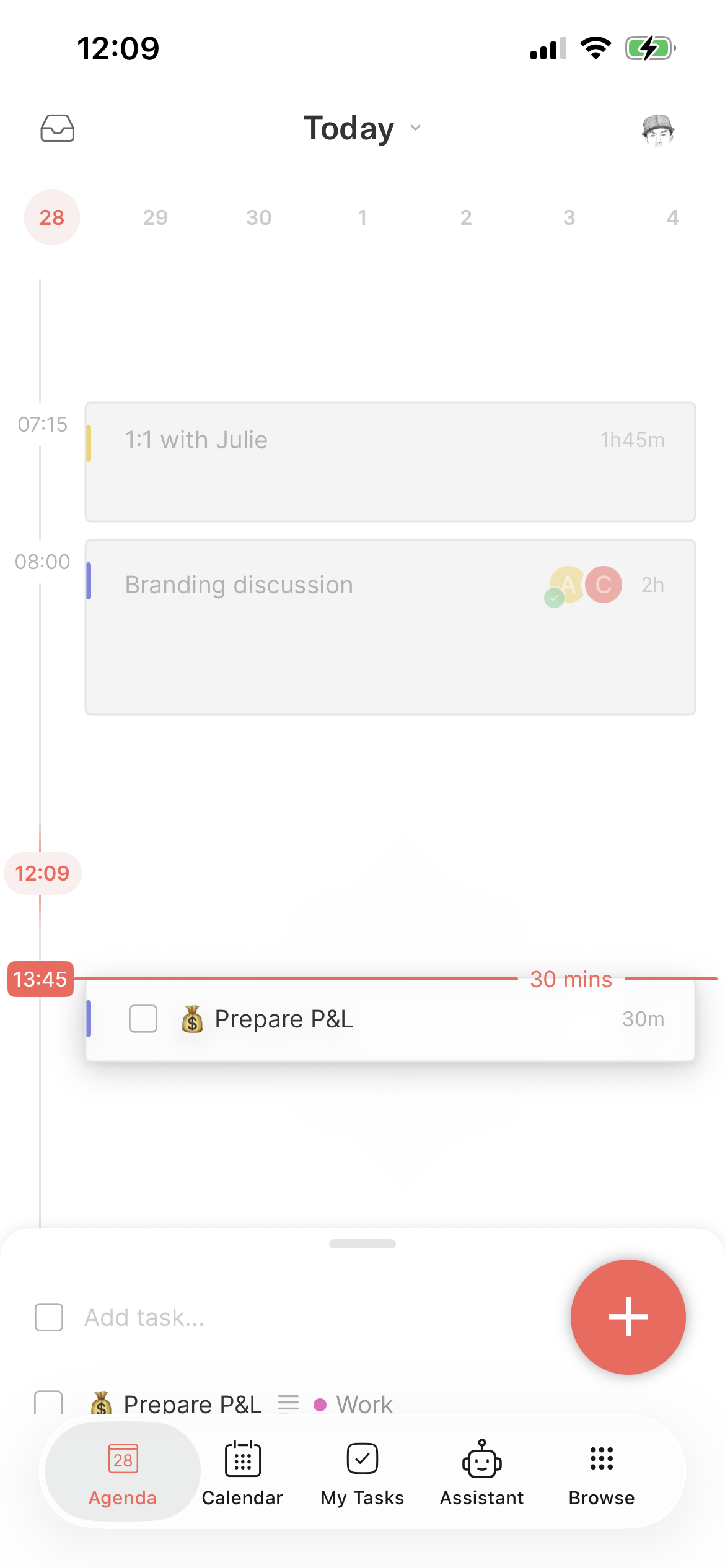
The Calendar sheet now lists the tasks of the day (instead of the week) to make it consistent with the Desktop app, in particular with the introduction of the new My Tasks screen
However, you can rotate the screen to access all the sections (overdue, upcoming, this week etc.).
🍔 Navigation
The main
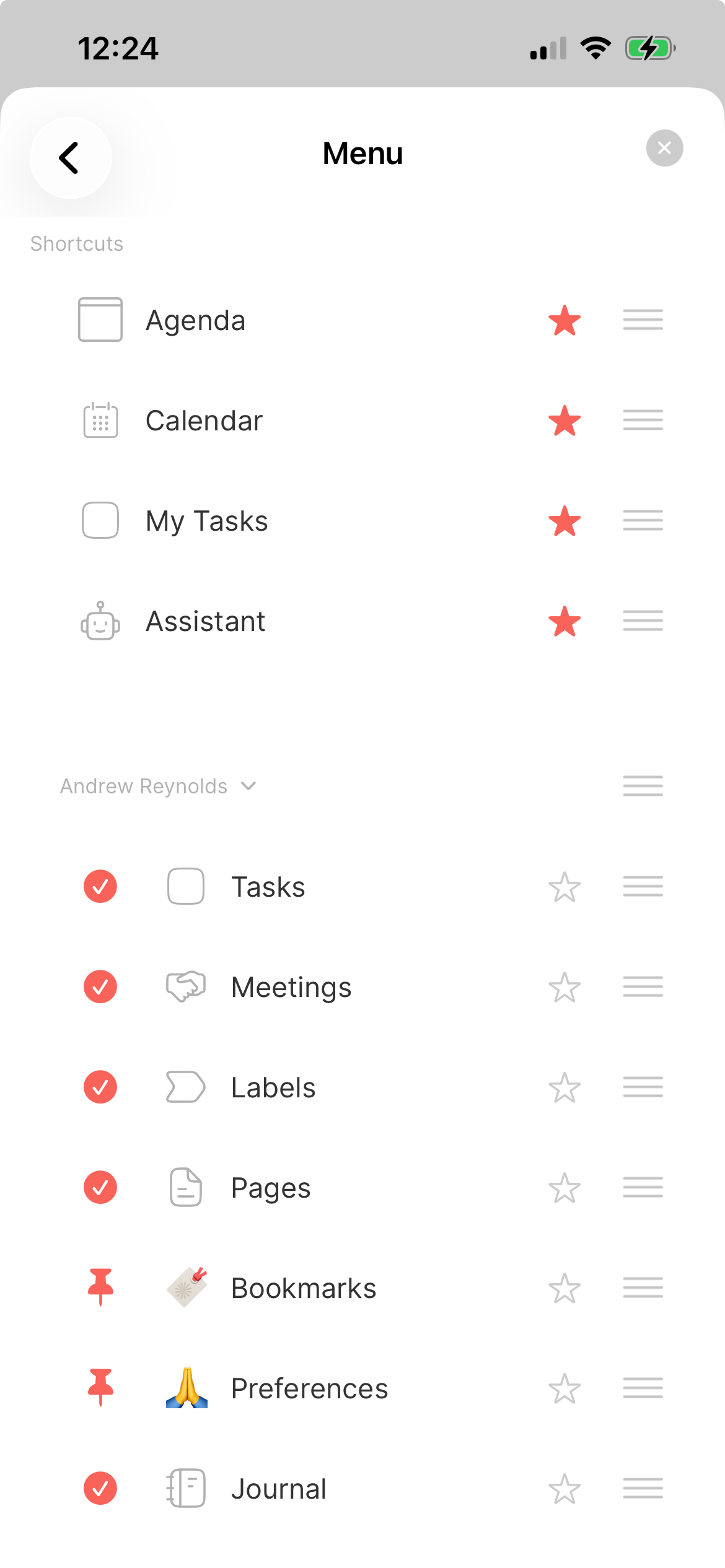
+button has been moved out of the bottom bar to allow for 5 slots: 4 shortcuts and the new Browse buttonThe menu can be customized in Settings / Menu, synchronizing with Desktop when it comes to the visible items and order
Specific to mobile is that each screen can be starred to appear in one of the 4 shortcut slots in the bottom menu bar
✅ Tasks
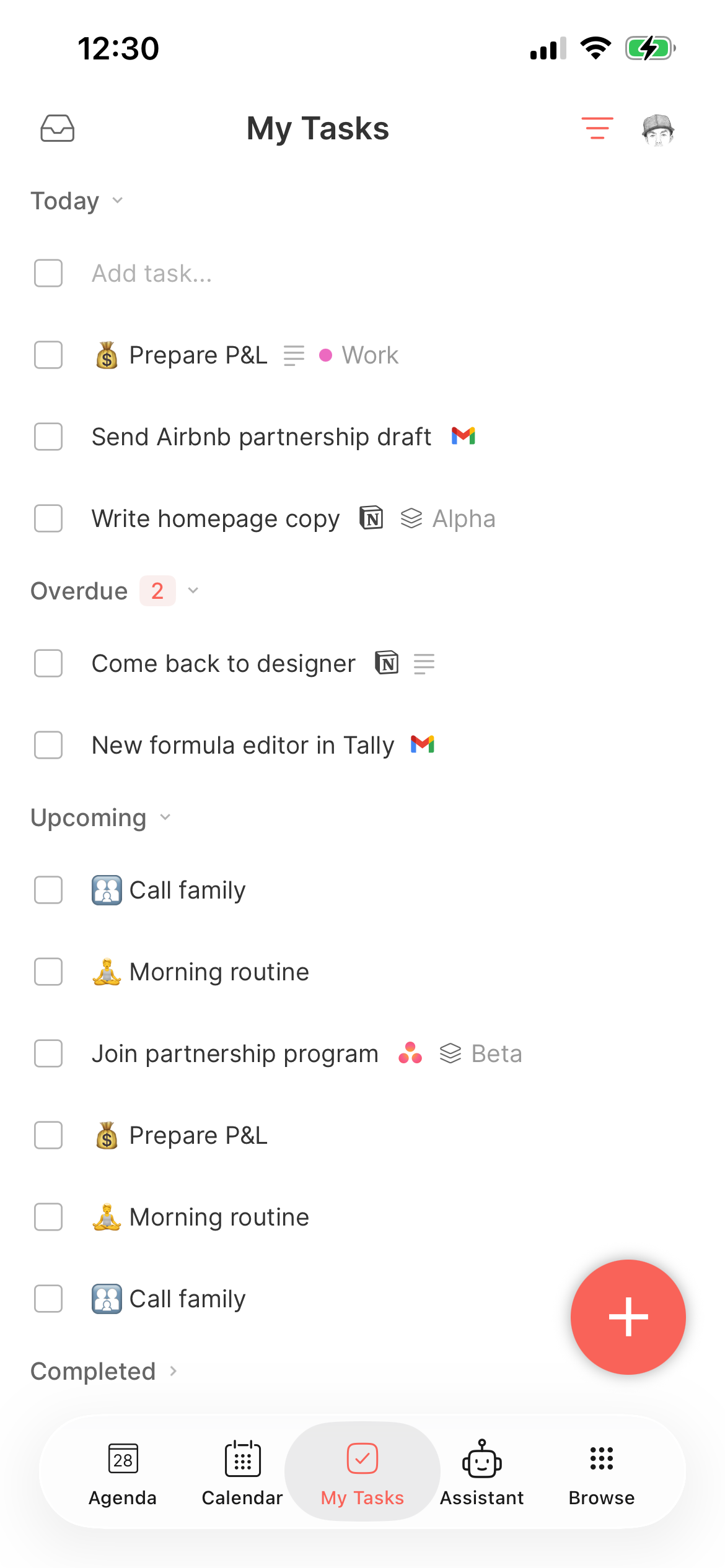
Because of the limited space, a task in a list displays a single additional piece of information: project, label, priority, organization, or workspace.
A new My Tasks screen displays all the sections (Today, Overdue, This Week, Upcoming, Unplanned, Completed & Discarded), including tasks from team spaces.
Recurring tasks are now supported on mobile. You can visualize them in the Tasks screen of your personal space. You can also create a recurring task by selecting the Repeat action on a regular task
Team tasks can be assigned exactly like on Desktop
💽 Databases
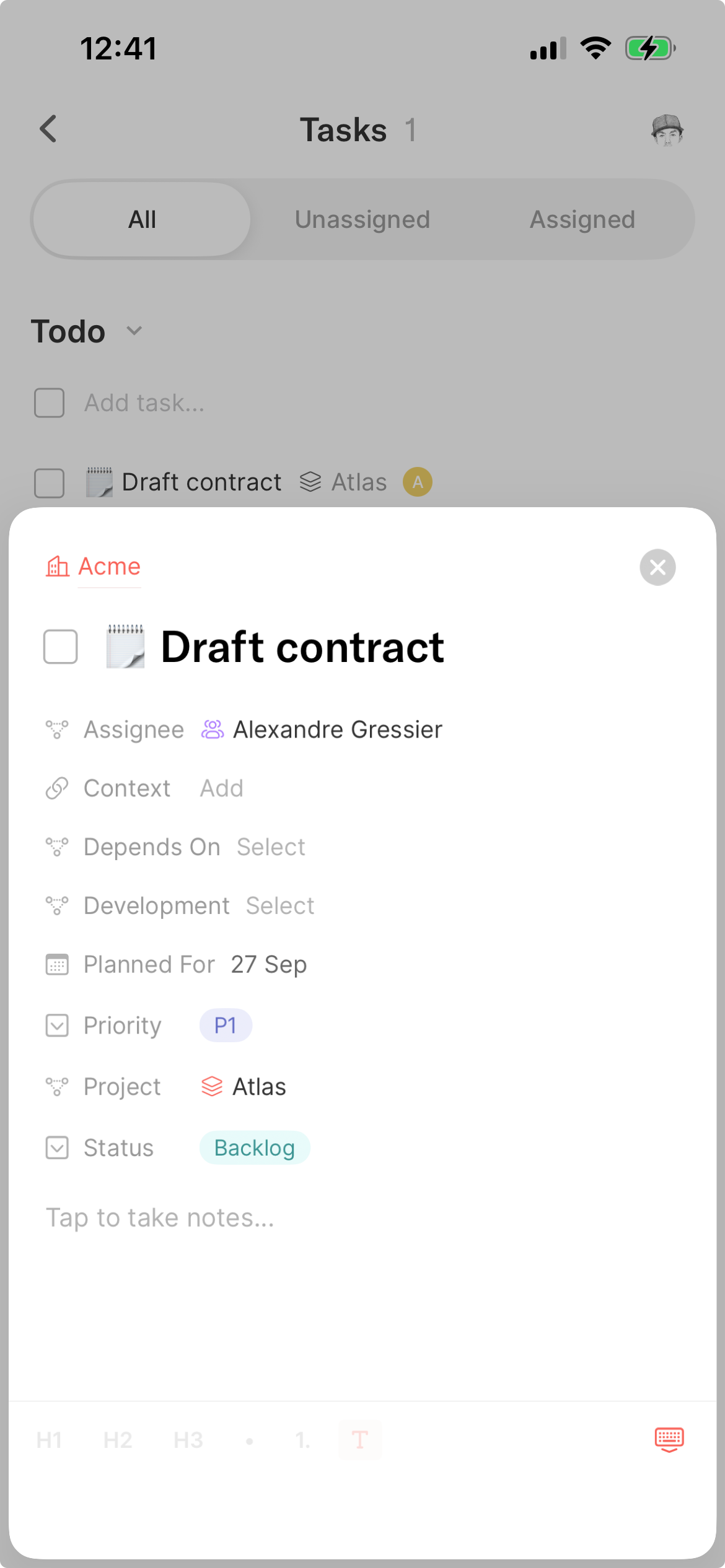
When opening a default object (task, event or page), you can now edit their extended properties: project, labels, priority or anything you’ve added along with the list of allocations that can be opened to change their duration or be deleted
All custom objects can also be opened and edited (properties & notes)
The breadcrumbs have been reworked to allow easy navigation from one object to its parent
As on Desktop, you can access the three main screens of every organization: Tasks, Pages and Projects along with any object that you pinned to the menu
You can also open the organization/workspace screens to access their respective databases
➕ Other
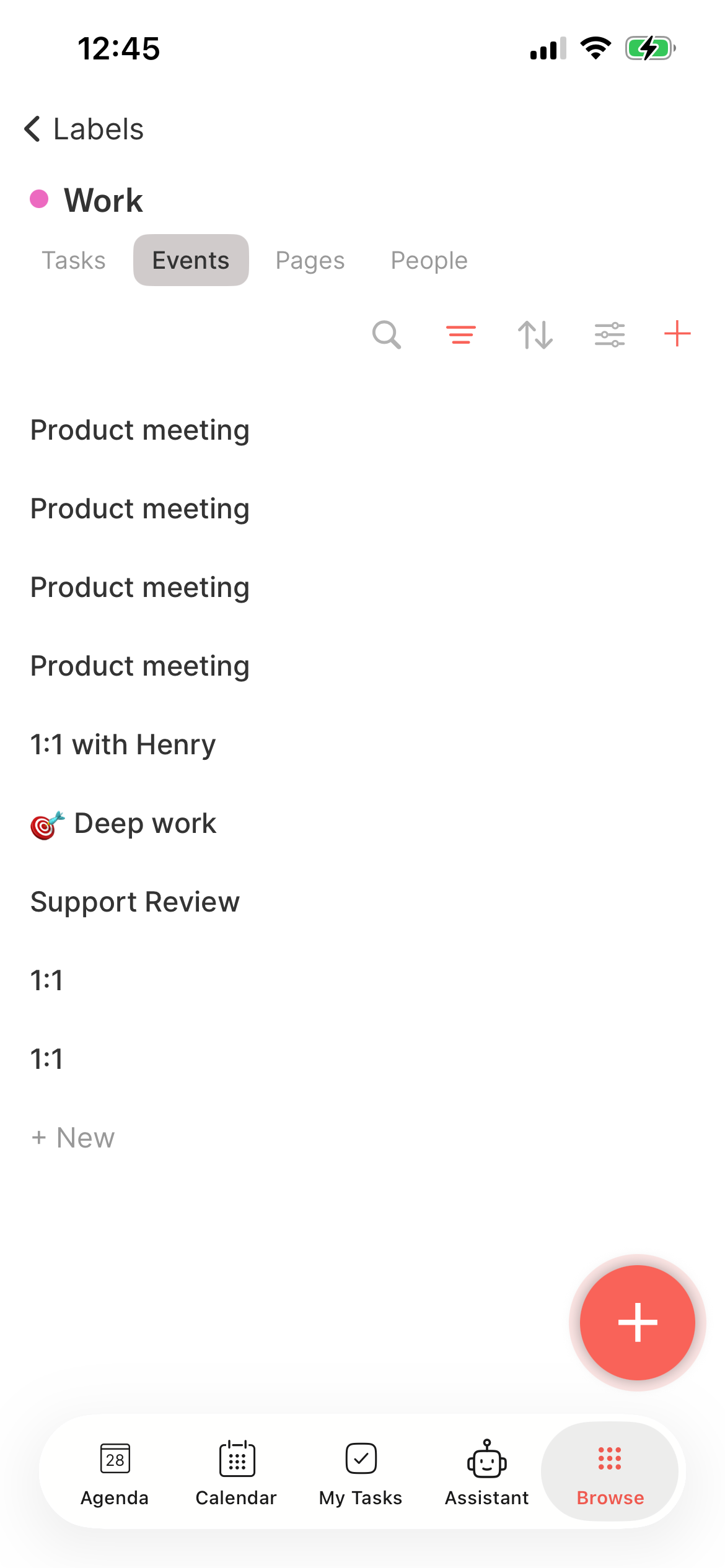
New screens have been added:
Meetings
Projects
Contacts
Labels
🤖 Assistant
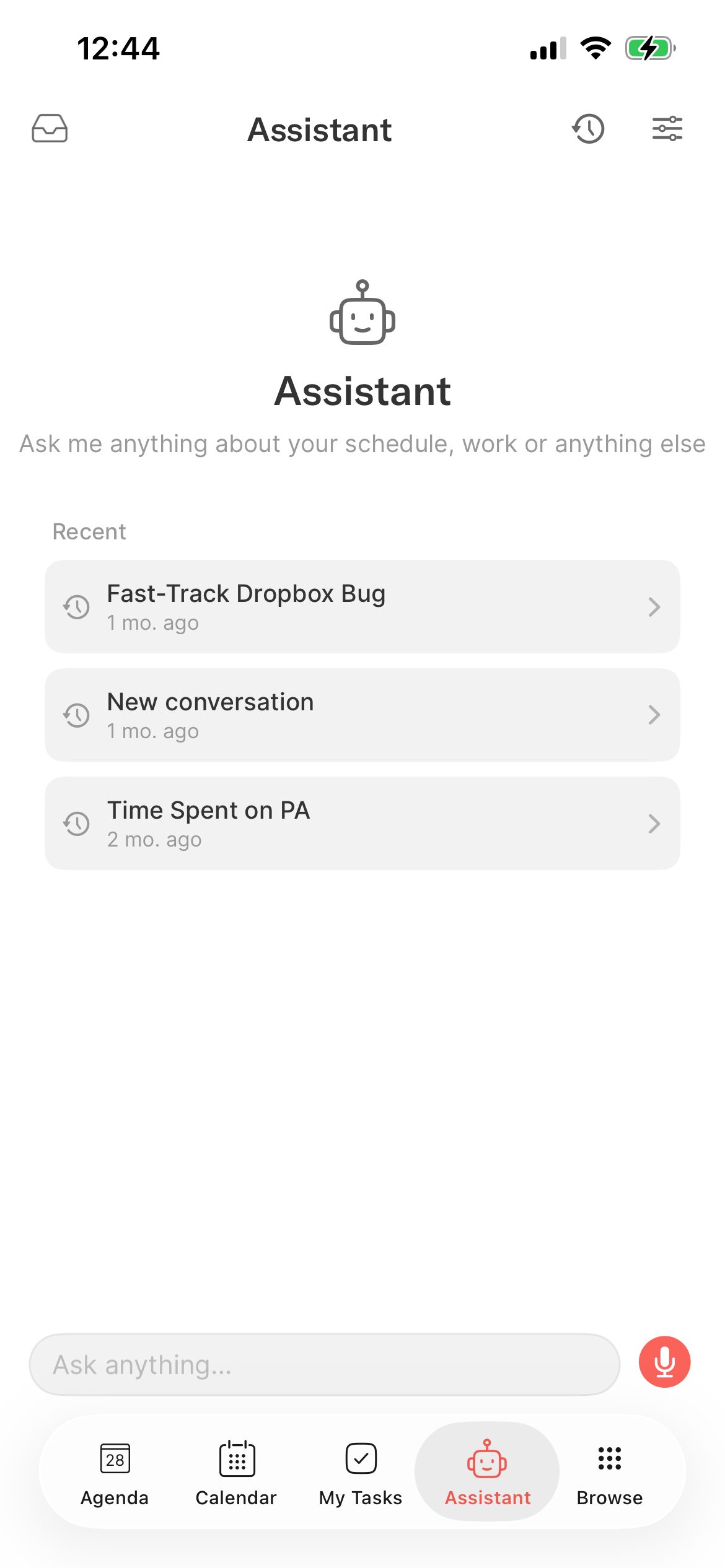
A new Assistant screen has been added where you can access all your conversations and operate Routine by voice.
The fastest way to use AI through voice is by long-pressing the main + button.
🐞 Bugs
Offline mode was broken in some cases; this has now been fixed
Tasks being entered were sometimes disappearing; this has been fixed
The in-app navigation was previously using stacked sheets. We replaced it with a more stable navigation system.
Performance has been improved
🖥️ Desktop
The Desktop/Web apps have also been improved.
🤝 Meetings
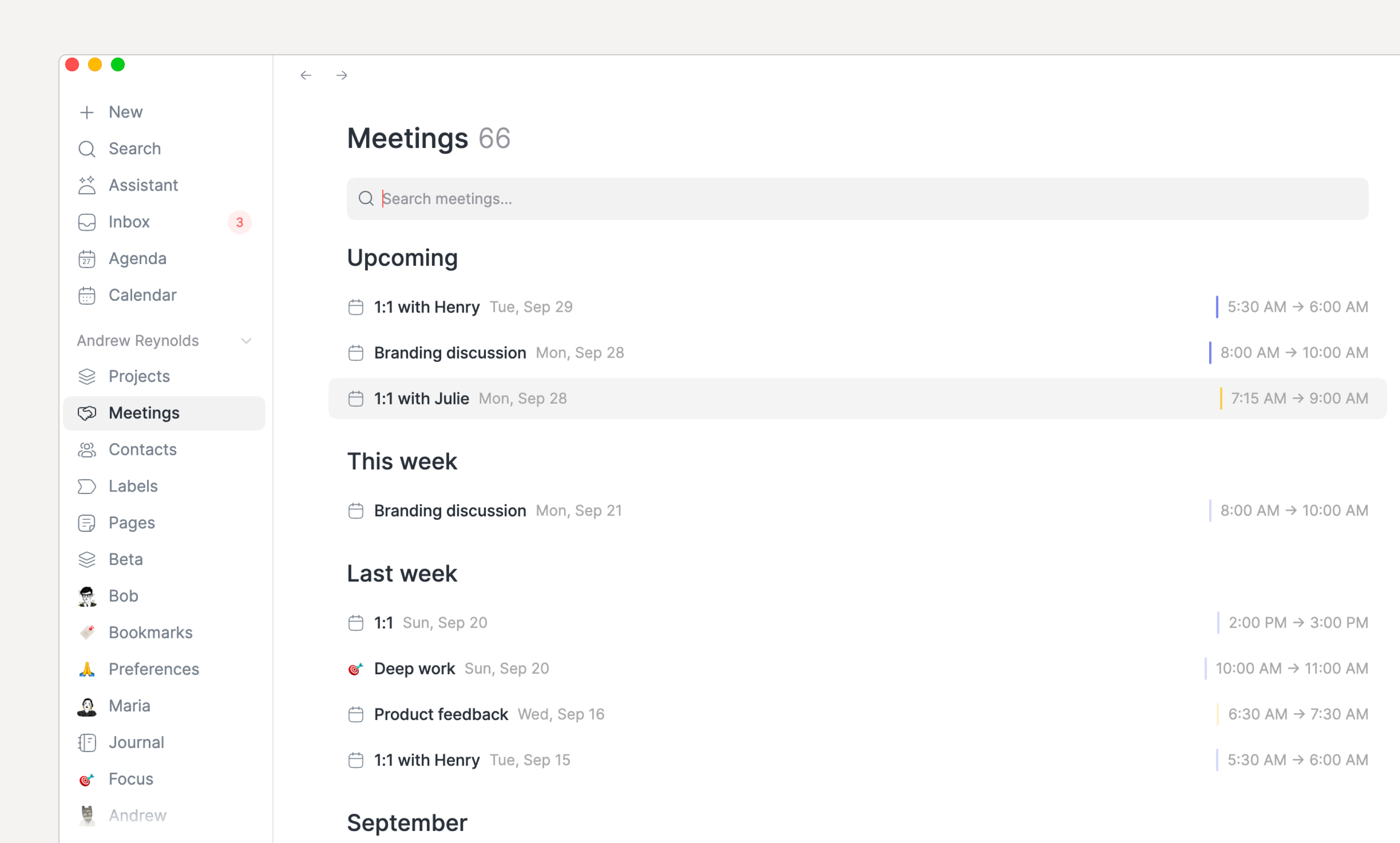
You’ve been asking for it, here it is. A brand new Meetings screen to quickly find your meeting notes:
We’ve added the ability to trigger meeting recording through the
/meetcommand in your personal pages and tasks
🔎 Views
The view filtering has been improved to properly support date comparison
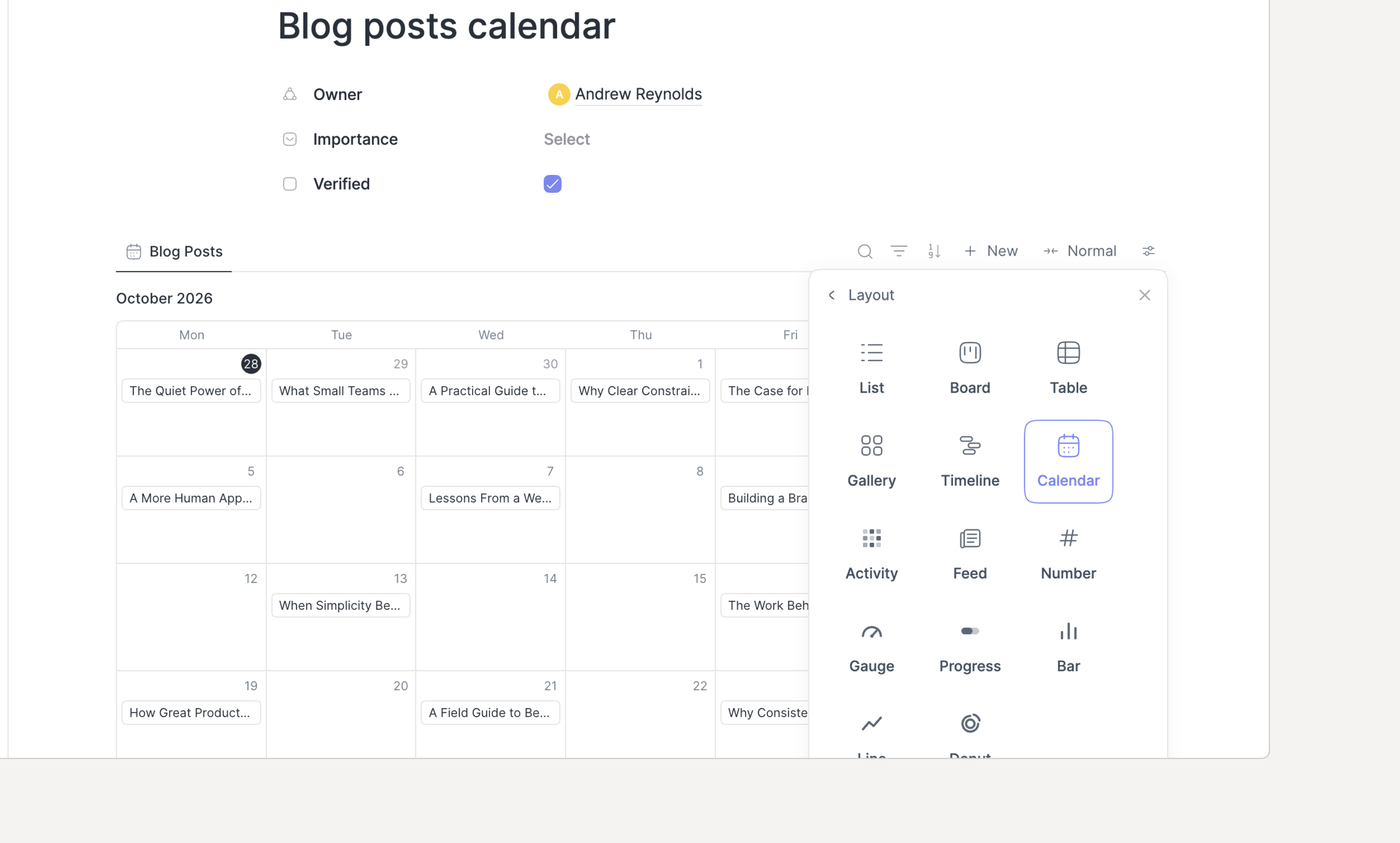
Several new view layouts have been introduced: calendar, gallery, timeline and charts (bar, line, donut), each one being configurable
🧩 Integrations
Jira issues can now be synced as tasks (your assigned issues, a chosen project, or a saved filter) and completing one transitions the issue in Jira
Linear issues can now be synced by assignee or team, with due dates and customizable workflow statuses syncing in both directions
The Notion and Asana integrations had a bug, they have been fixed
➕ Other
The Agenda cards (events/allocations) now include the list of references contained in the notes along with the list of tasks/objects.
The Calendar's month layout now displays the task sections (Today, Week, Overdue, Upcoming, Unplanned) in the left pane, replacing the date picker
You can now use
/pagein your personal workspace to create subpages, including inside your tasks, pages, events, contacts, projects etc. Also, you can now move a page to a new parentThe MCP setup has been greatly simplified (Thanks Daniel for the heads up) through a single prompt that you can paste in your favorite AI assistant/agent
Running Routine from a read-only disk or with no space left now pops up an error
A task in a list now renders better when there is too much information: priority, labels, projects etc to better use the space
Automations can now be duplicated
Find (
CMD/CTRL+F) has been extended to more screens e.g Journal, automations, Inbox, AI conversations and configuration
🐞 Bugs
Issues with flat page hierarchies have now been fixed
Grouping by a relation e.g Project has been fixed
The notes editor's
+and/menus now keep matching after a space untilESCAPEis pressed to dismiss themYou can now drop an allocation onto an empty Agenda timeline
With working hours ending at 24:00, the Agenda timeline now runs until midnight: tasks and events can be dropped after the last event of the day, instead of the day ending at the last event
and many more…
👉 Coming Next
We are currently working on:
Mobile:
More polishing & bug fixing
Recurring events
Note editor: references, views etc.
Agents
View layouts
Calendar layouts
Outlook Calendar 🚀
Improving the view filtering/grouping capabilities to work across all property types