Routine 2.0: AI voice commands (super Siri), agents & automations
When AI exploded, every product rushed to add it. We didn't.
Instead, we waited until we could build AI that genuinely makes work easier, not just another chatbot.
Today, we're excited to introduce Routine AI, built on top of your existing workspace.
DISCLAIMER: If AI isn't for you, you can simply hide these new screens. And as always, your data remains yours. It is never shared with AI providers unless you explicitly use an AI feature, is never used to train models, and Routine will never sell your data. Ever!
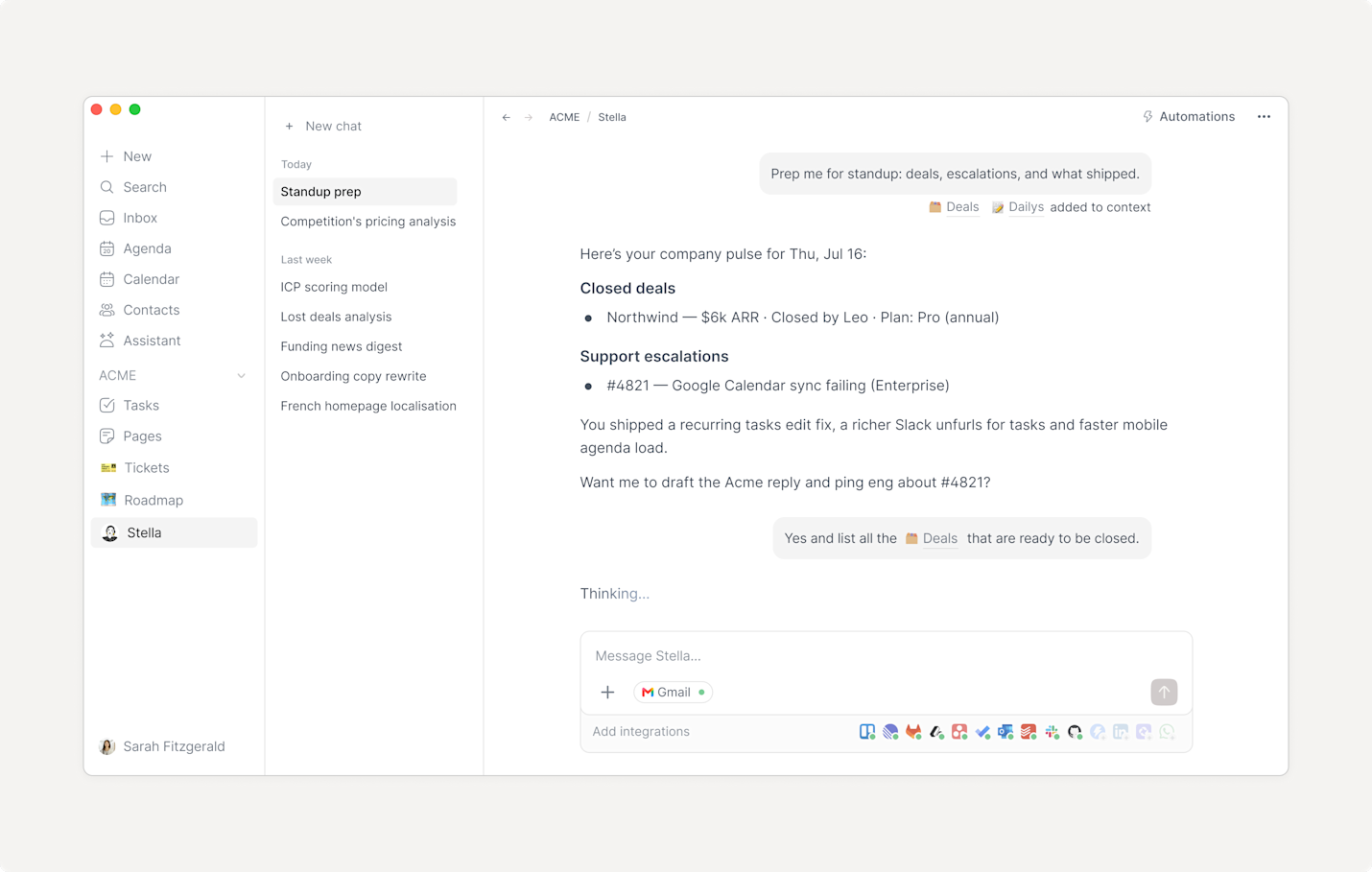
💁♂️ Assistant
The AI Assistant brings a ChatGPT- or Claude-like experience directly inside Routine.
Ask any question, research the web, or let it operate Routine on your behalf: schedule meetings, create tasks, update notes, manage databases, and much more.
💬 Voice commands a.k.a super Siri
What if you could simply talk to your assistant whenever you wanted something done?
With AI Voice Commands on iOS and Android, that's now possible. Speak naturally to Routine to create reminders, schedule meetings, capture notes, update projects etc. Routine takes care of the rest.
See video at the top.
🤖 Agents
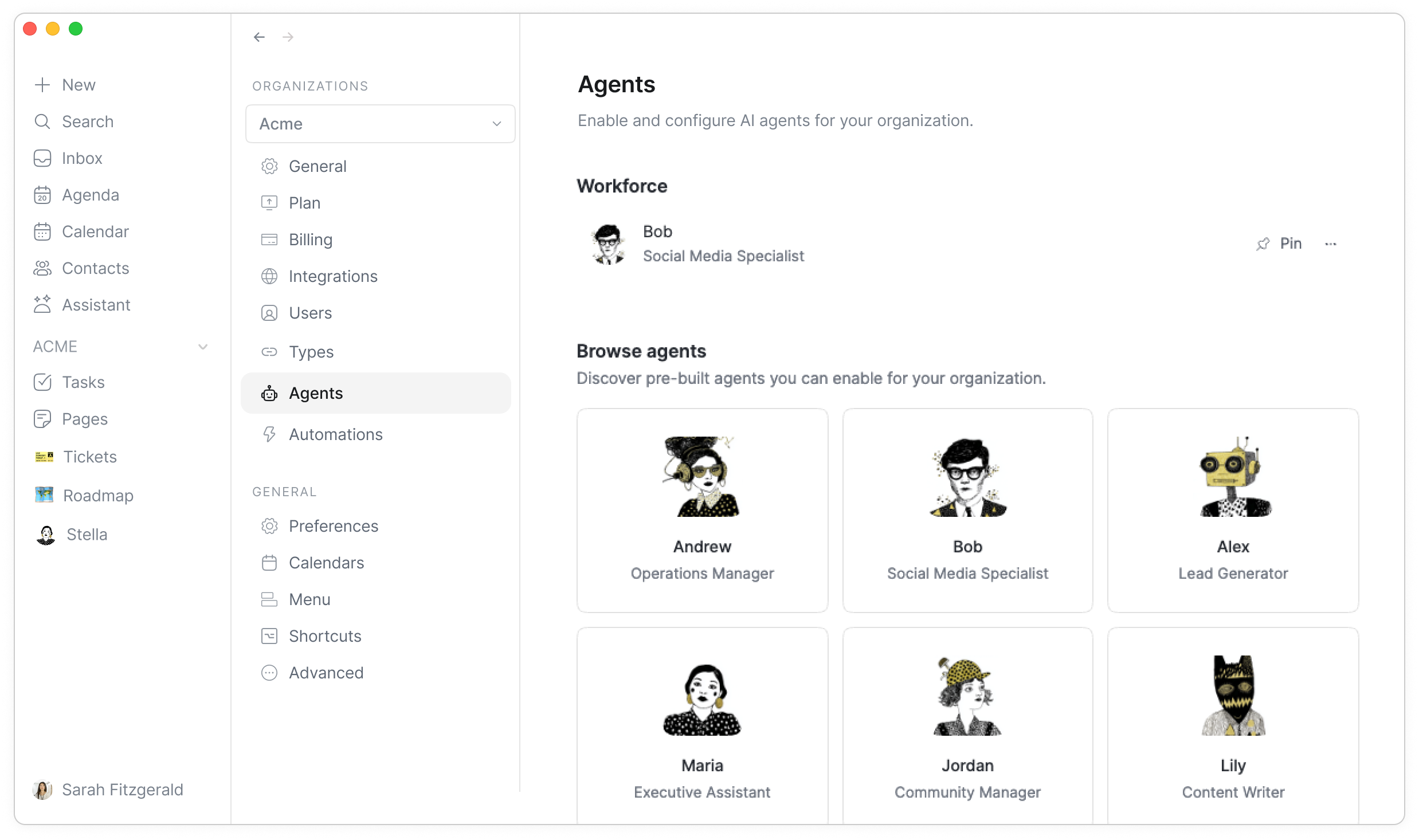
Need a specialist on your team? Meet AI Agents.
Install an agent from the catalog in Settings → Agents, then chat with it just like you would with the assistant.
What makes agents different is that they can be customized for your organization:
Instructions & knowledge. Give agents specific instructions and connect company knowledge such as customer profiles, strategy documents, databases, or internal documentation.
Tools & integrations. Give agents access to services (Gmail, Slack, WhatsApp, LinkedIn, Attio, Twitter/X, and many other services) so they can perform work across your entire stack.
⏯︎ Automations
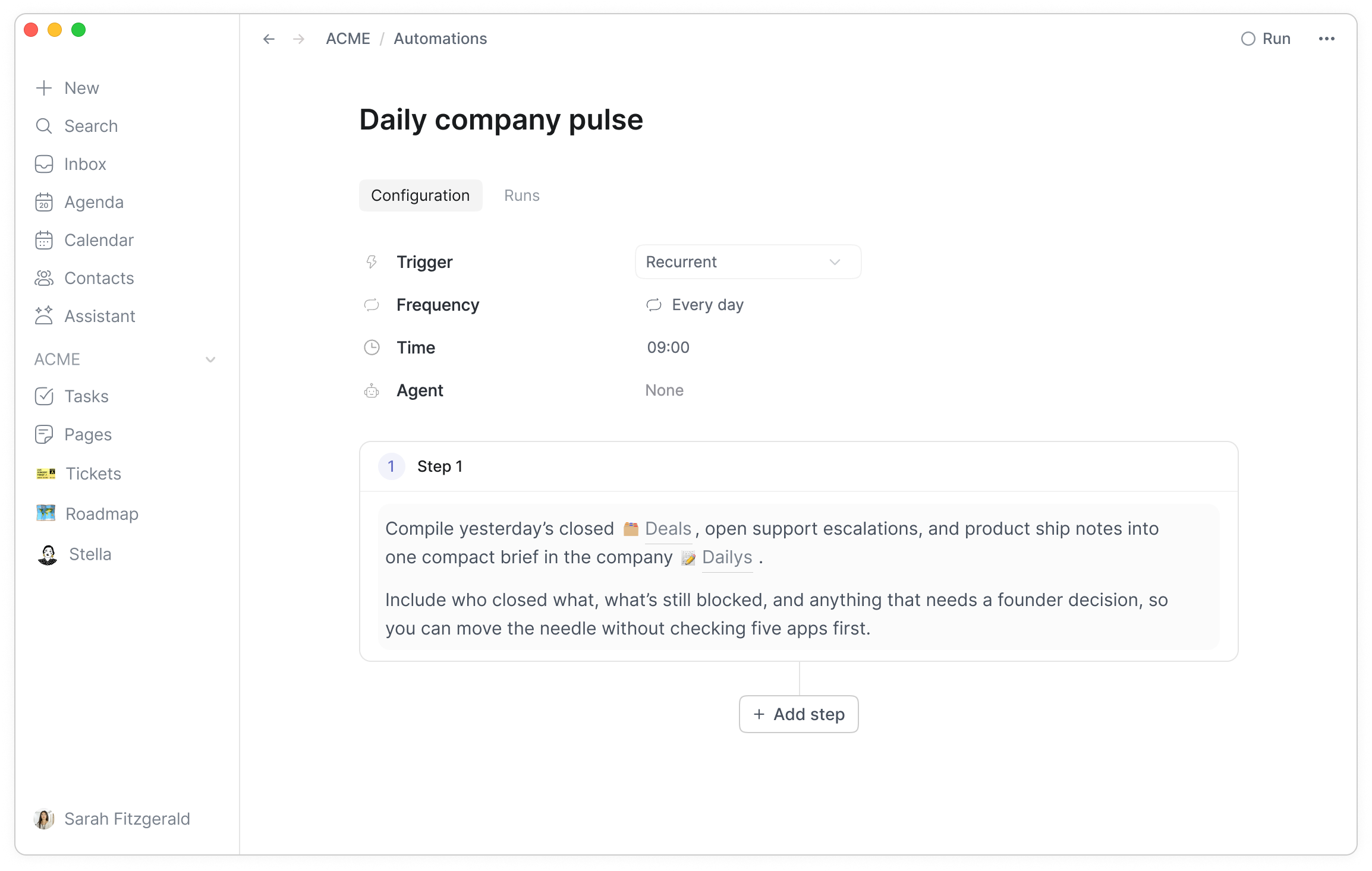
Automate anything in your work with AI.
Connect your apps, describe your workflow in natural language, and let Routine execute it.
Automations can run manually, on a schedule (every morning, every Monday, etc.), automatically when something happens in Routine (e.g new event created) or one of your connected apps (e.g new Gmail email received).
👉 Coming Next
Our current focus is making Routine faster and more stable by fixing as many bugs as possible.
The next release will also introduce collaborative tasks, pages and projects, a brand new MCP server, human-in-the-loop AI, and much more.