Past meetings, completion escaping & formatting menu
Routine desktop 0.5.2 is out with several new features and a load of improvements.
🍾 New Features
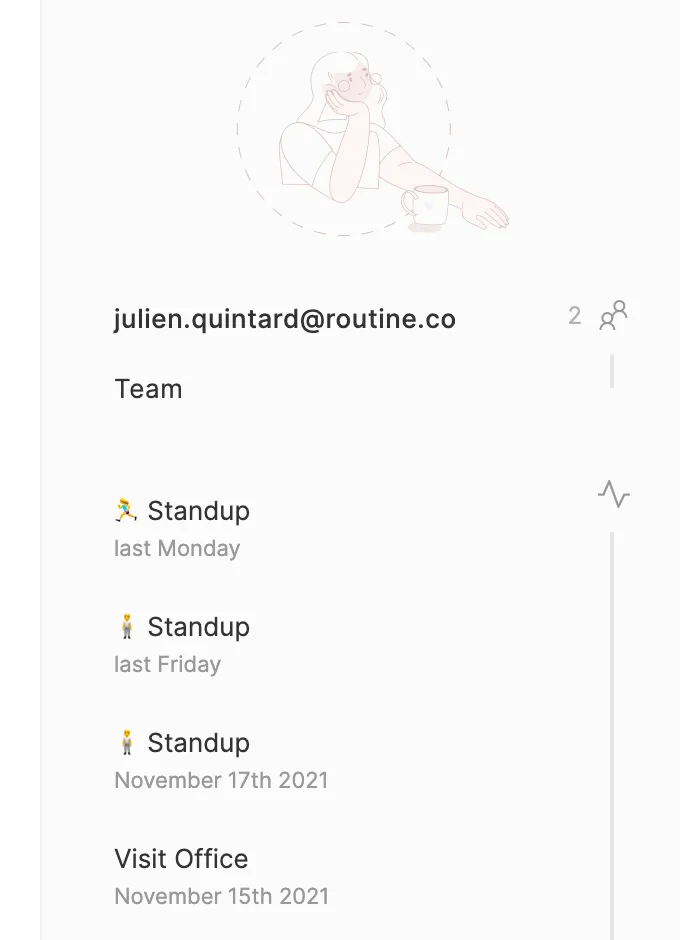
When opening a meeting, Routine now displays all the past meetings that were attended by the same participants, providing easy access to past events and the notes you took
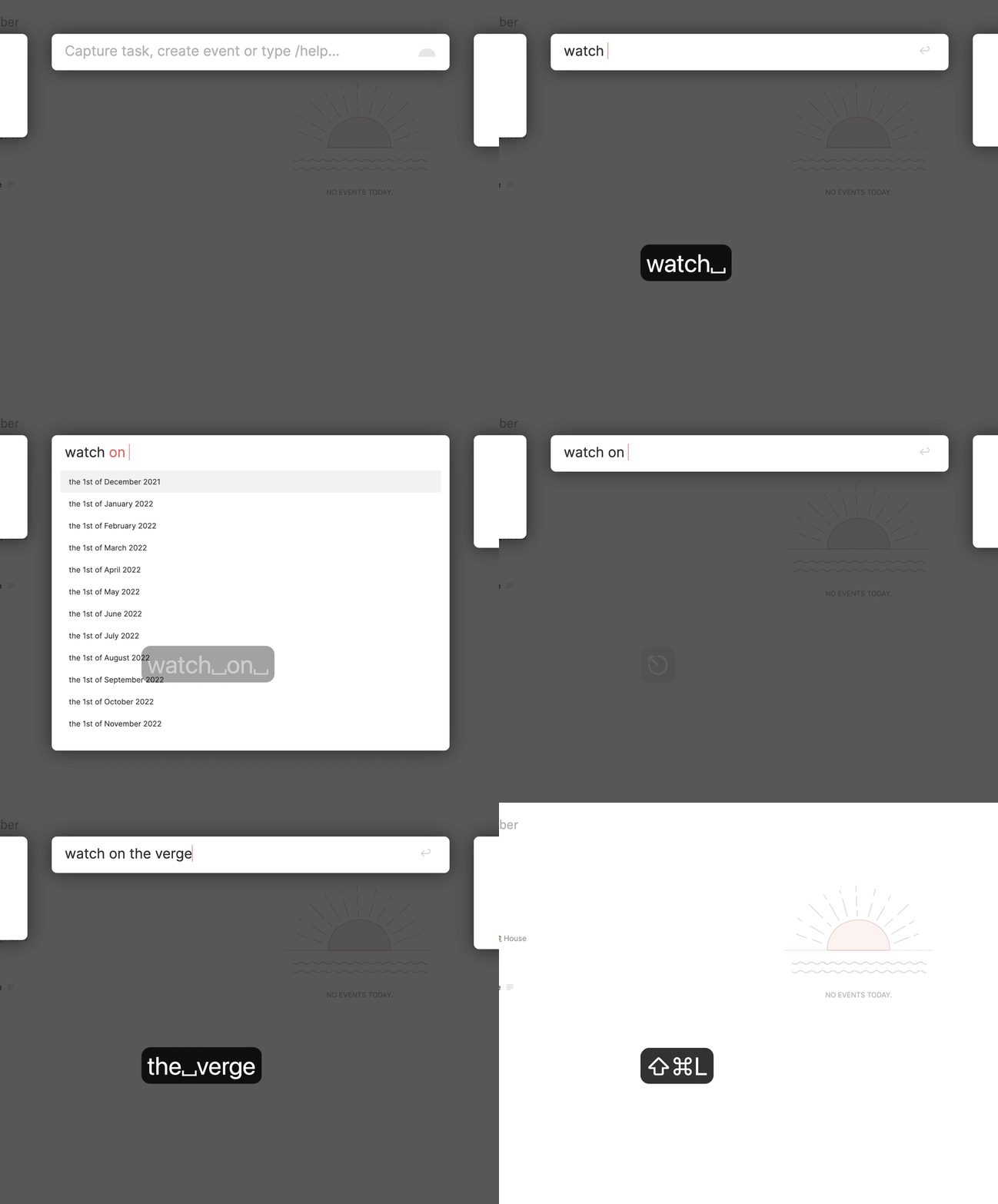
You can now cancel the console suggestions by hitting
ESCAPE:
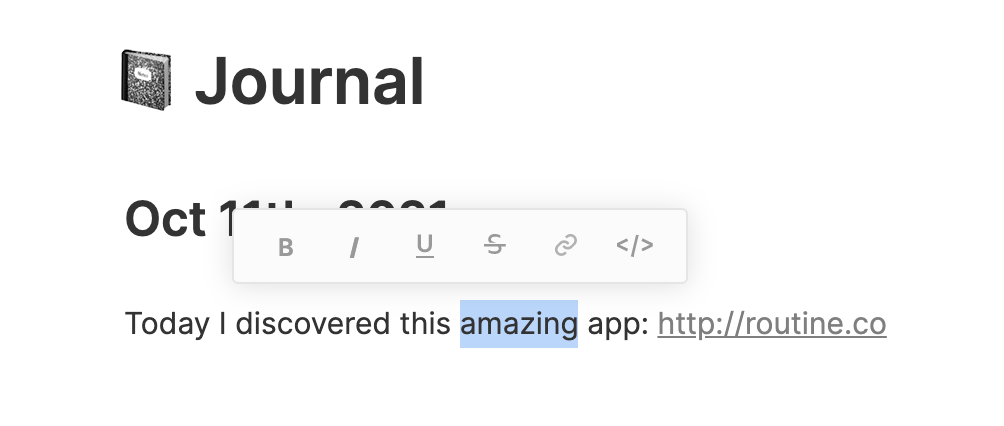
It is now possible to format text through a menu:
Links can now be opened by pressing
CMDand clicking (i.eCMD+CLICK)
✂️ Improvements
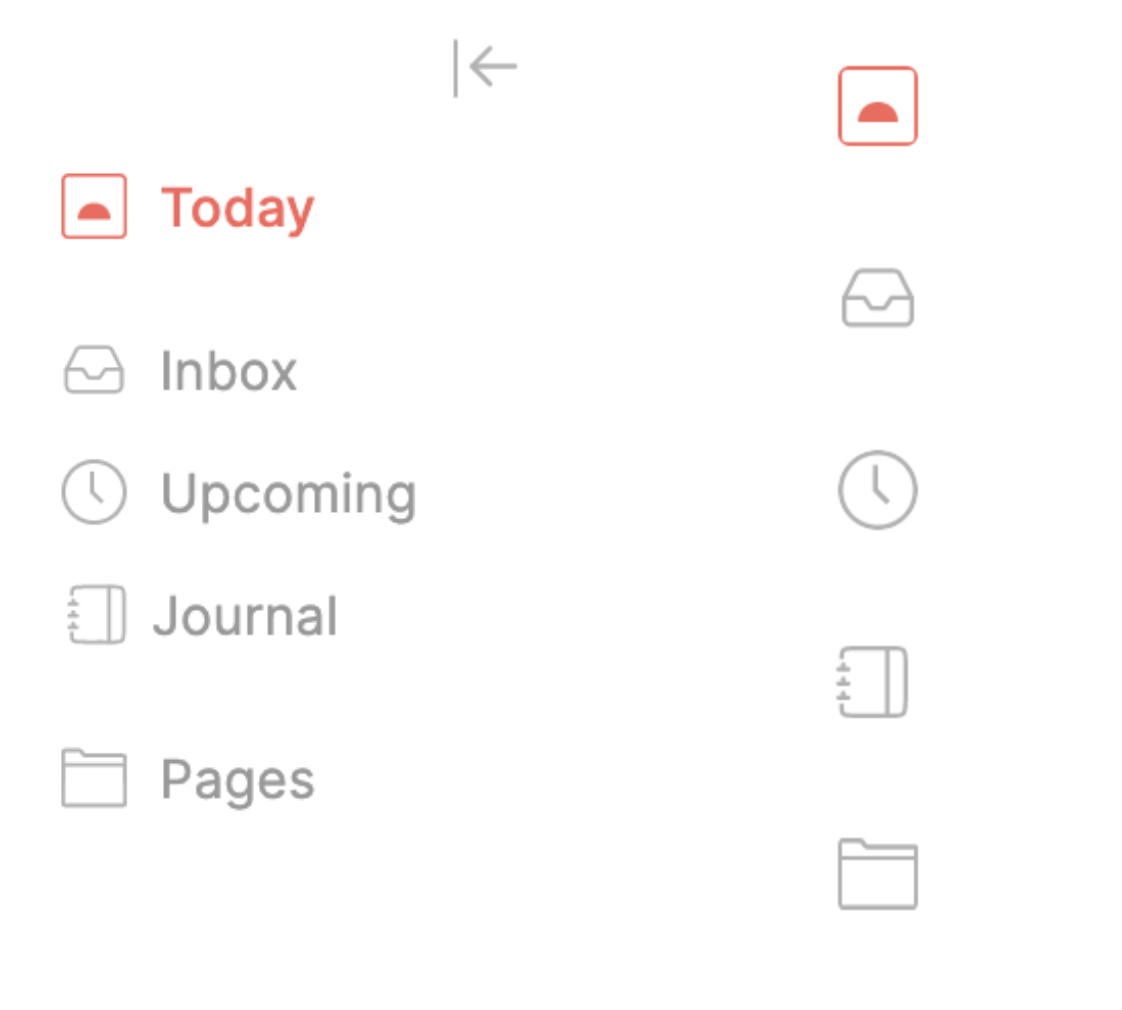
In anticipation of an upcoming feature, a new menu has been introduced that can be expanded/retracted:
In order to deselect an item (e.g task) in a list, you now need to click anywhere outside the list
In-app notifications no longer stack on top of each other
Ligatures (
→←⇒etc.) have been introduced and now work both in the console and in the rest of the appFixed a bug related to some checkboxes not linking to the right parent
Implemented Notion's new OAuth
When rescheduling a task, the name is no longer re-parsed; it was previously problematic when a task name included a keyword
Deactivated resizing events with participants
Deactivated taking notes in events that do not belong in a calendar you own
💡 Tips
Did you know that you can block time for a new task right in the console?

🎯 Coming Next
Zapier integration
Ability to select multiple note blocks
Delete, move and copy selected note blocks
New person screen
Browser-based sign up/login
For more information, do not hesitate to refer to the roadmaps.
🤗 Shout Outs
Elessar, jrickel, Yannick, Hemmingsson, Edoardo, Kuwajima, Alois, Zvati, Abrunel, rtl