Open events, read pages, tick/untick checkboxes
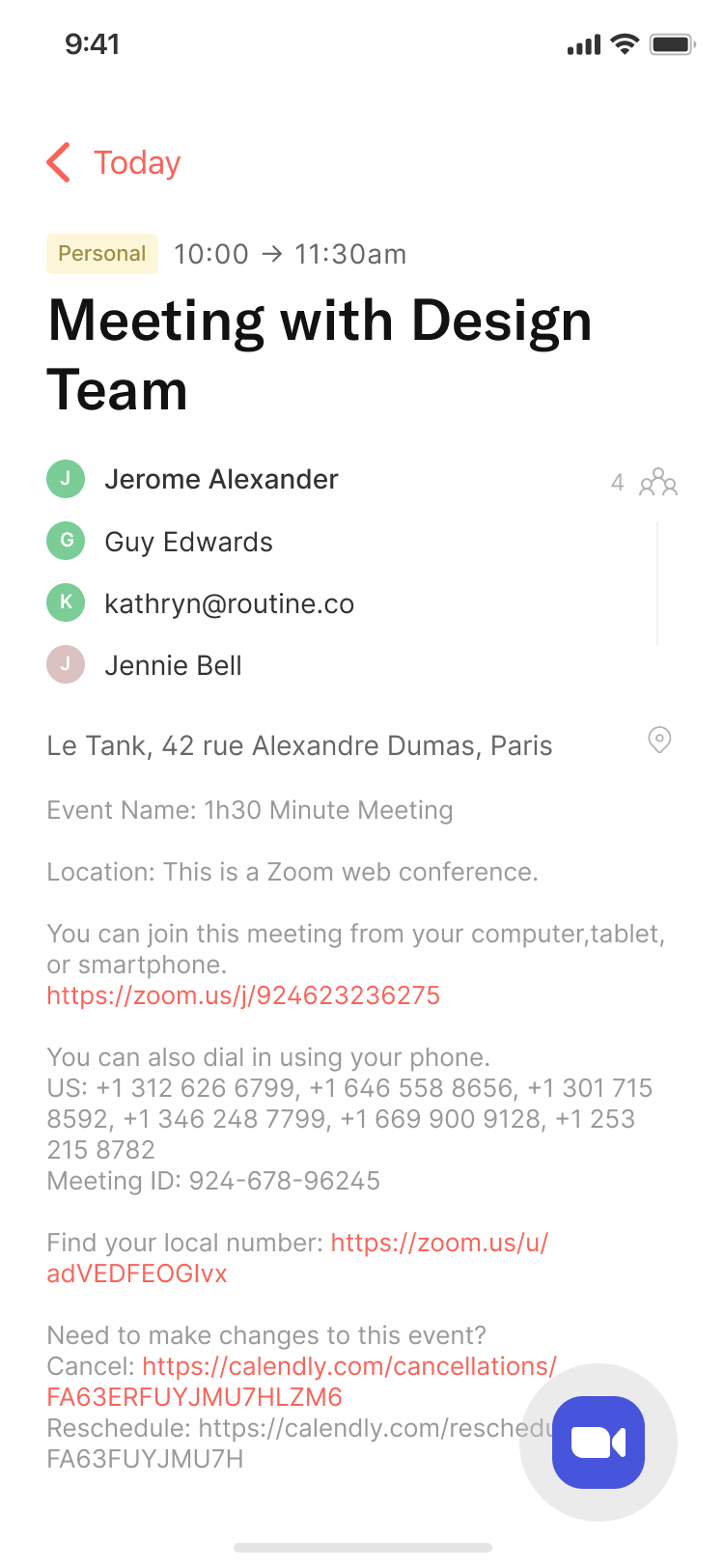
It has been a long time since we released a new iOS version. Here it is with the 0.7!
🍾 New Features
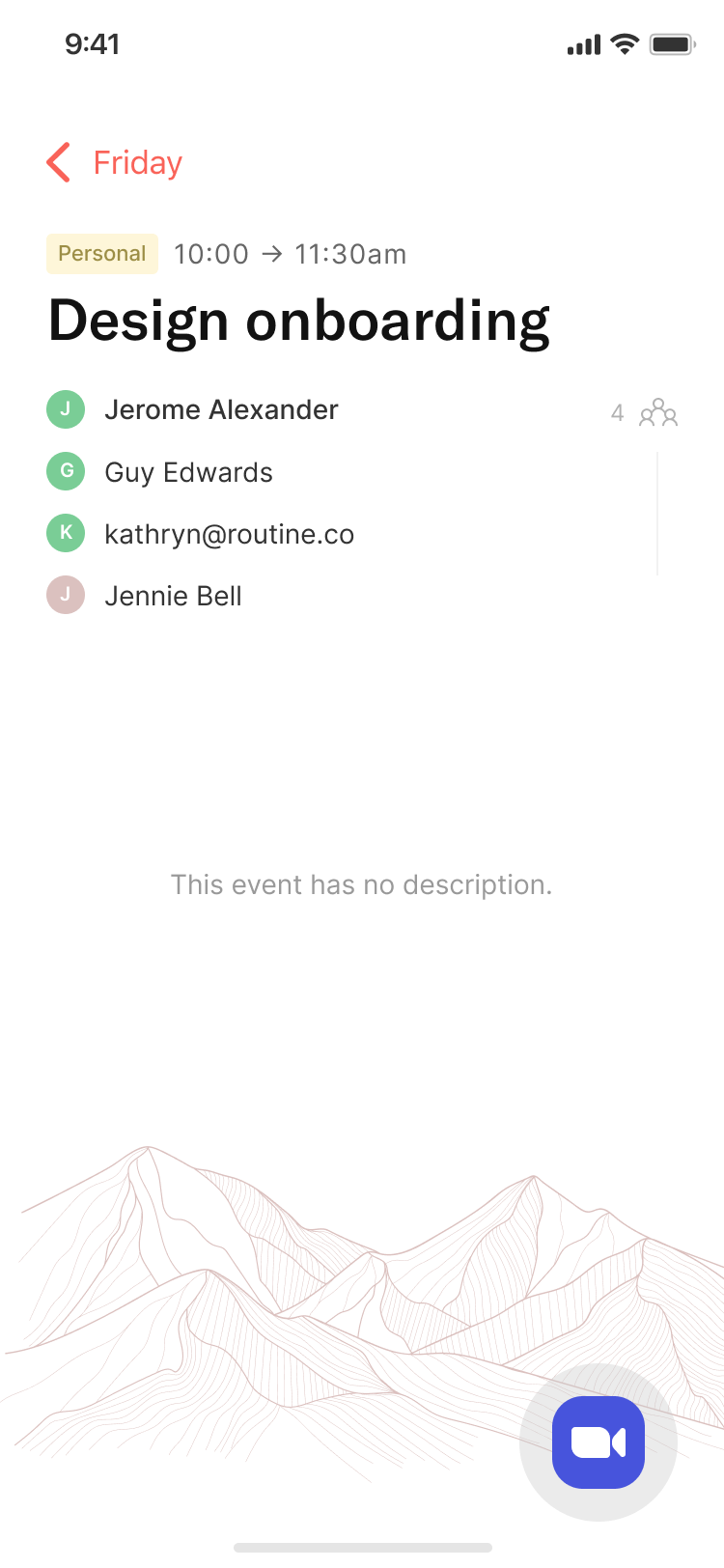
Events can now be opened, displaying the participants, public description along with the button to join the conference call
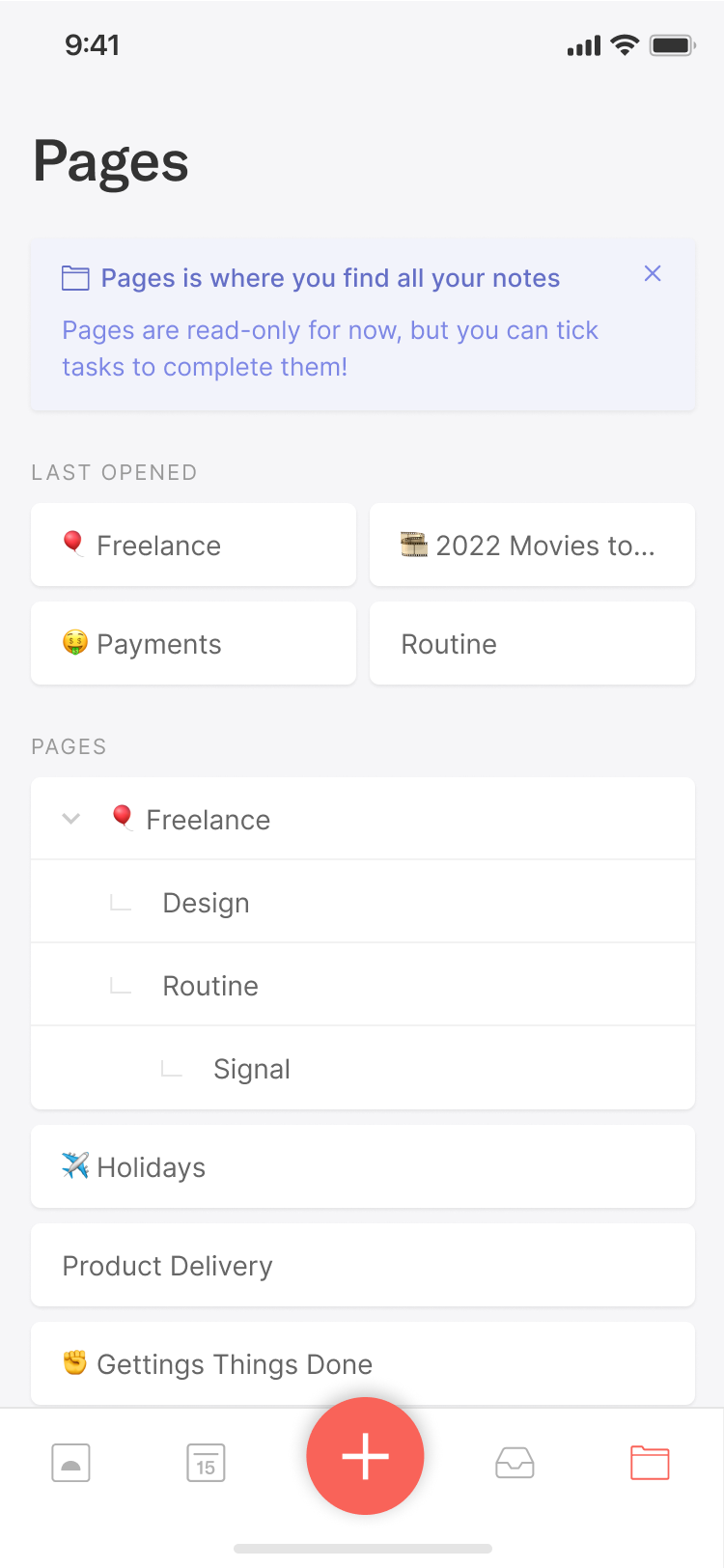
You can now browse and open your pages 🎉
Note that the pages are read only for now
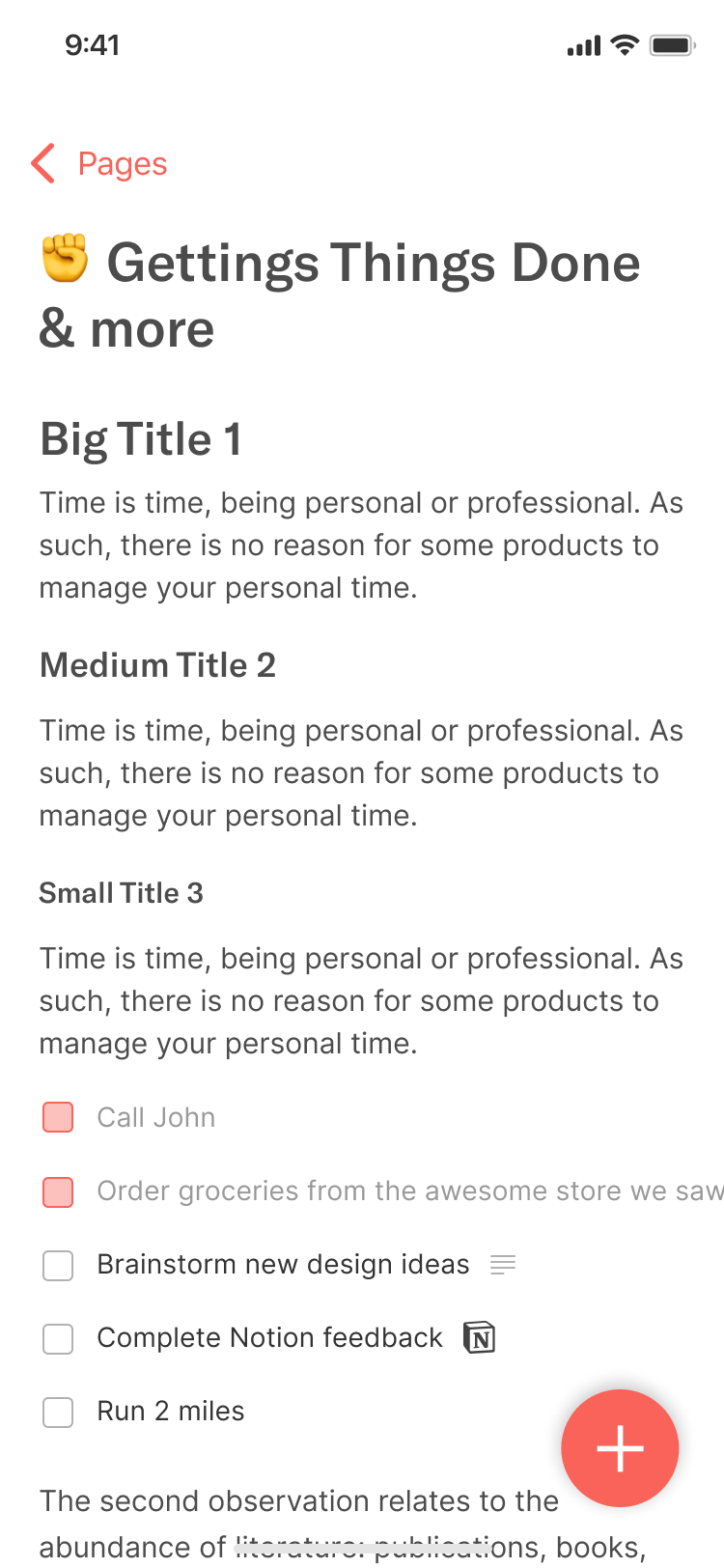
You can also tick and untick checkboxes in your pages 🚀
✂️ Improvements
When on to Today screen, you can now swipe left and right to change day
A new menu was introduced to allow you to access pages; the settings are now accessible by clicking the avatar icon on the top-left corner
We fixed many bugs related to signing up and logging in
The order of tasks has been fixed to be consistent with macOS
Creating and editing tasks sometimes crashed; it has been fixed
The “Error connecting to Google” has been fixed
Major speed improvement through caching and threading
🎯 Coming Next
In approximately two weeks, we will be shipping the most important macOS release to date.
This release will include a new planning screen, a new mechanic along with a Zapier integration and new operations on objects.
As for iOS, we have decided to accelerate its development by reworking the whole app:
A new design, UI and UX
Planning functionalities on par with macOS: scheduling, time blocking, postponing etc.
Ability to open tasks to access the information and notes
For more information, do not hesitate to refer to the roadmaps.
🙏 Asks
We are setting up a partnership program with productivity coaches.
If you are interested in helping other better manage their time, let me know and we will tell you more!
🤗 Shout Outs
Tomavatars, sathwik, tmcarr, Agathe, loading27, ryanefendy, Chuck, riclib, mju coud, holene, SaraS, nathan_kr, s00perpig, k0b13, kev, Nagata, ocind, Charlie and more.
A huge thank for your feedback, ideas and kind words!