Introducing the dashboard
The keyboard shortcut now invokes a whole dashboard, not just a console. This is a big change in our direction as we want Routine to be the one-stop shop for everything productivity related: seeing your upcoming events, capturing a thought, writing some stuff down, securing time in your calendar etc.
🎈 New Features
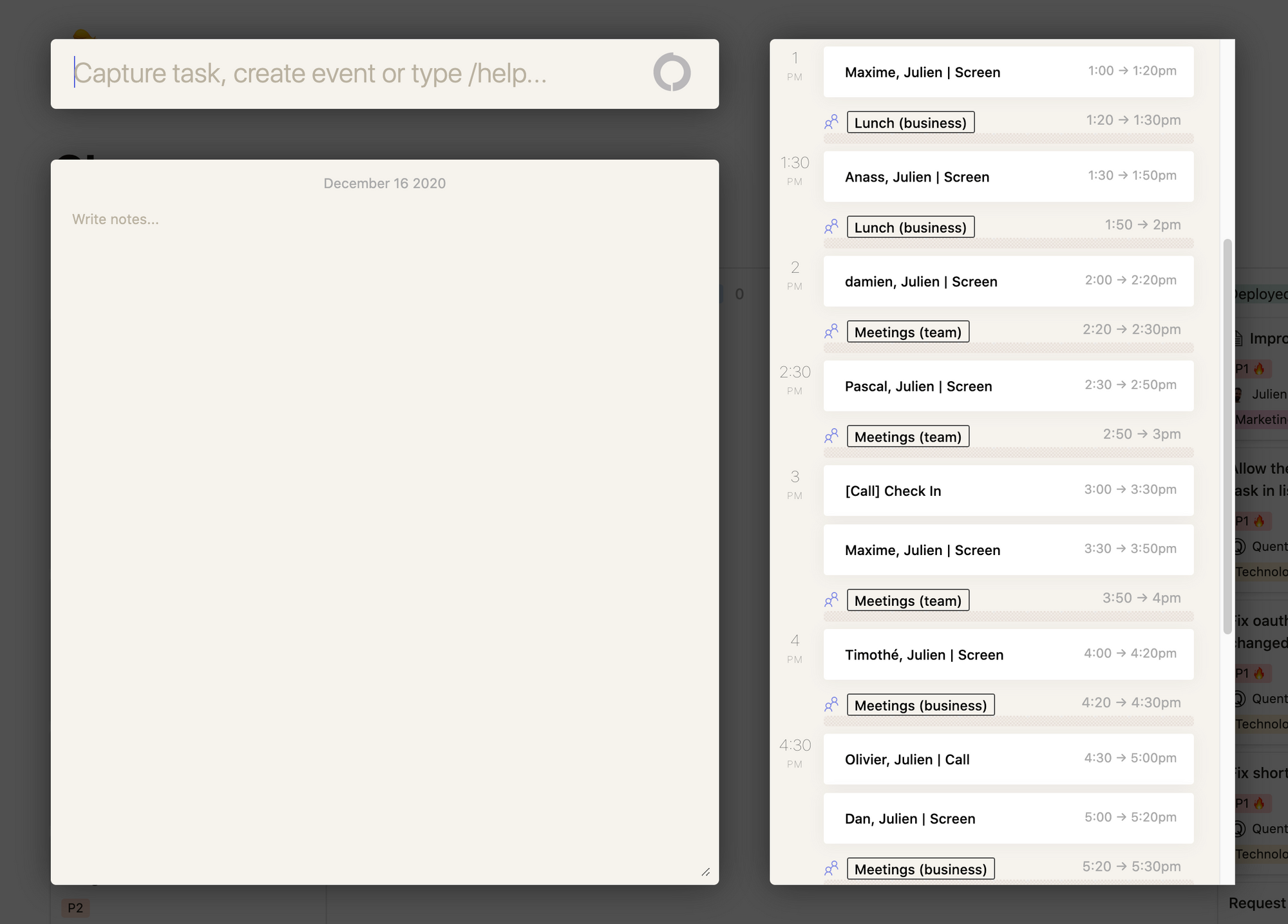
You can now take daily notes from the dashboard: some people are more note oriented than task. Routine now supports both (more to come in the future)
You can also glance at your agenda through a single keyboard shortcut by invoking the dashboard
Ability to use keyboard to navigate through your Inbox when in list view
🔧 Fixes & Improvements
The processing
STARTbutton only appears one hour before the slot beginsYou can change the keyboard shortcut in the configuration file "Library/Application Support/Routine/config.json". That's a special for
@Romaric Philogène😋