Text formatting, breadcrumbs & unscheduling
Routine 0.4.1 is available for macOS and brings several new features 🎉
🍾 New Features
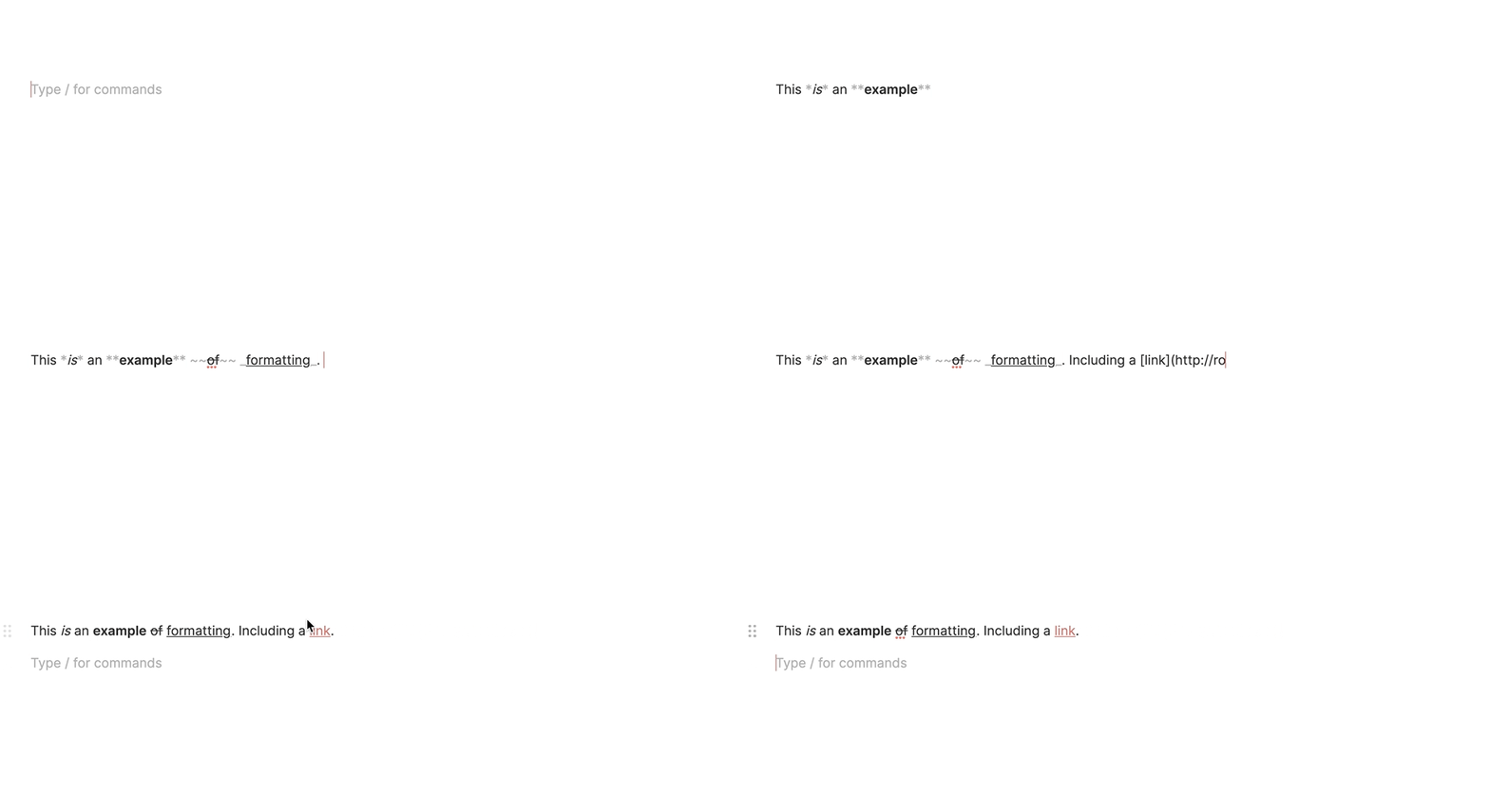
You can now format text through Markdown.
If you do not know Markdown, you likely used one form or another. Try putting underscores (
_) before and after text and it will format it as underlined e.g_example_. Likewise for bold with double stars e.g**example**, italic with single stars e.g*example*, stricken-through with tildes e.g~example~, and links through the[TEXT](LINK)syntax.
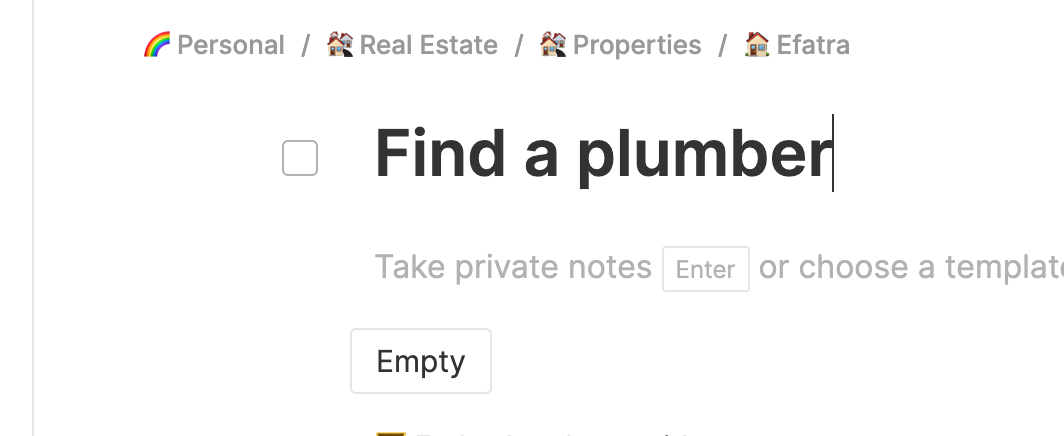
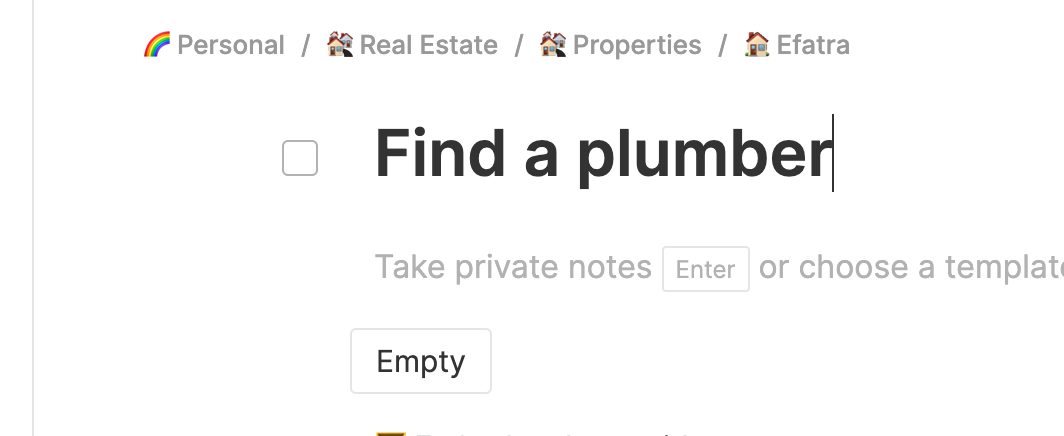
When opening a task, page etc, breadcrumbs are now provided to indicate the hierarchy the object belongs to and allow you to easily access its parents.
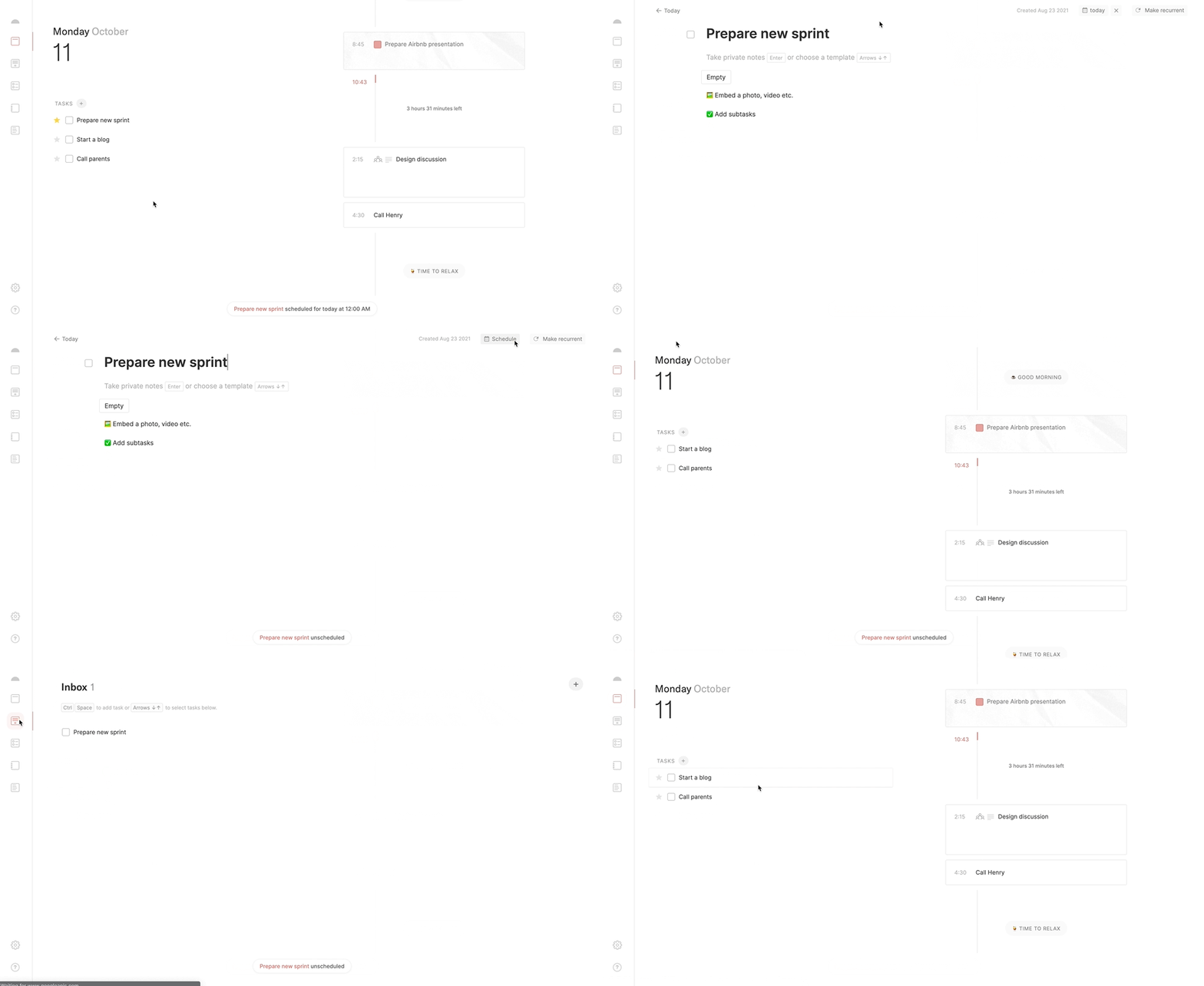
Tasks can now be unscheduled in which case the task goes back to its original state
Events can be moved within the same day directly through the agenda; simply drag & drop it
✂️ Improvements
Tasks can now be opened from the dashboard's widget through a single click
The Agenda screen has been renamed to
TodayThe way the current time is displayed has been reworked
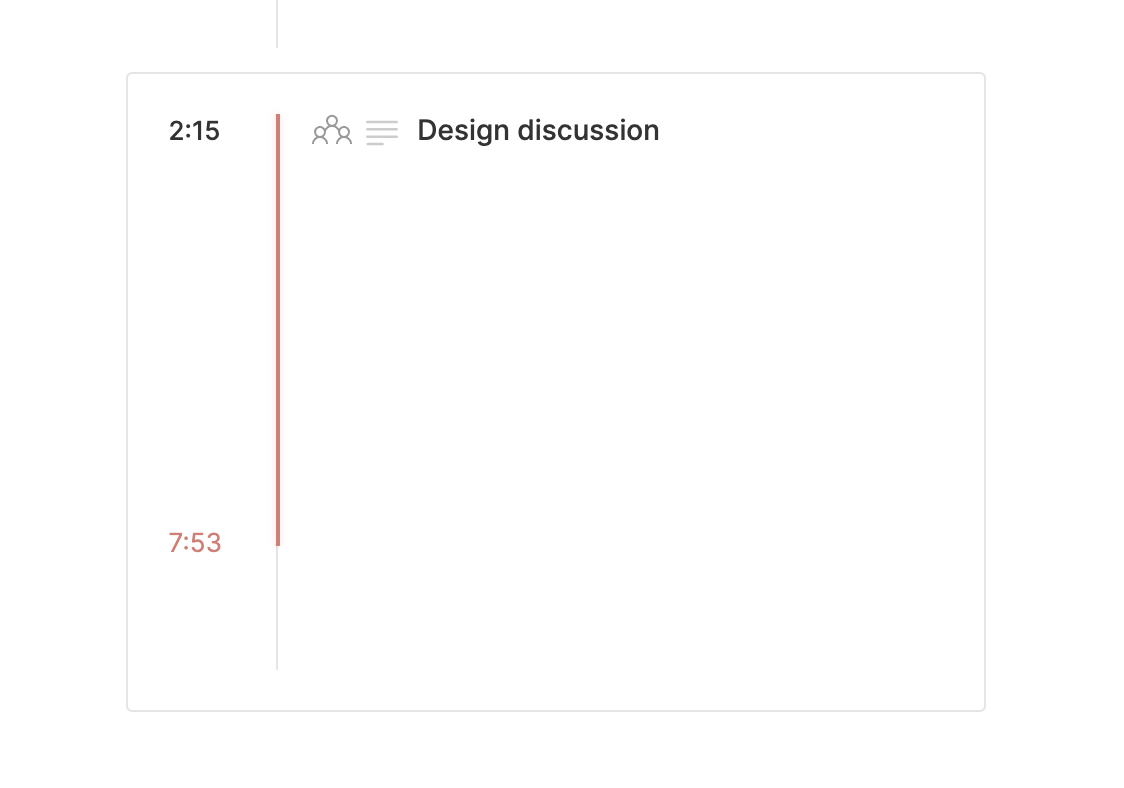
ENTERcan now be used when remapping the dashboard's hotkey in the SettingsMoving a block in notes now displays a line
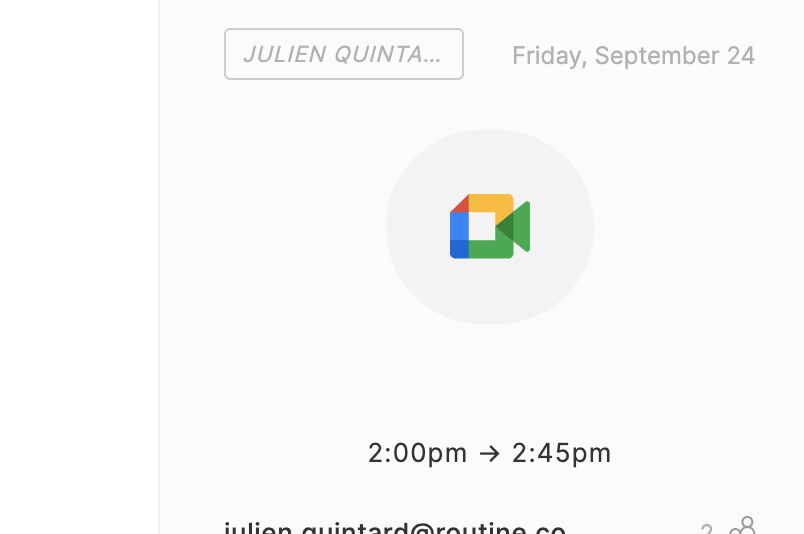
When opening an event, the calendar it belongs to is now displayed next to the date
Pages are now lazily loaded. This means pages are loaded independently instead of all at once which could take minutes depending on the number of pages you have
When opening the Pages screen, the page that was accessed last is now put forward
The width has been increased for displaying task names in the dashboard's widget and in the Today screen
Domain names of email addresses (when opening an event) are now clickable
The caret positioning has been fixed when selecting a template and the Empty template is now always selected by default
Re-organizing pages hierarchically has been improved
The macOS global shortcut for opening the app has been removed so that when you remap the hotkey, the global shortcut does not stay with the old mapping
The bug related to the caret disappearing when the notes were saved has been fixed
The journal, when empty, was loading forever; it has been fixed
and various other UI improvements...
💡 Tips
Not exactly a tip but we have set up a number of public resources for users to refer to:
The help center already contains a lot of information and will act as the reference for documenting the product, from common actions, keyboard shortcuts, productivity methodologies etc.
A Youtube channel has been created where we will post more videos, including a 13-minute overview of the app
🎯 Coming Next
The ability to create a checkbox and schedule its related task with natural language
Auto detection of links in text: task name, description, events etc.
Text formatting through a UI
Improved Notion integration
Zapier integration
🙏 Need Help
As you likely saw, the text formatting functionality is quite unique in the sense that, unlike most text editors, we decided to display the Markdown characters (e.g *, _, ~ etc.) when you are editing the block and hide them when you get the focus out of the block.


We felt this was a good compromise between easy editing without the verbosity of having the Markdown characters all the time.
But we are still wondering if this is the right approach. Tell us what you think simply by answering this email. Don't be shy, we need your help 😇
🤗 Shout Outs
Pierre-Amans, Yannick, Mimansa, Grant, Jiriq, Alexandre, Sean and Fred