Contacts, note blocks manipulation & referral

First of all, happy new year 🎉.
It’s been quite a while since we released a new version because we were hard at work on some fundamental blocks that will allow us to move faster in the future.
Without further ado, we present you Routine desktop 0.6 😉. Fasten your seat belts and enjoy!
🙏 Asks
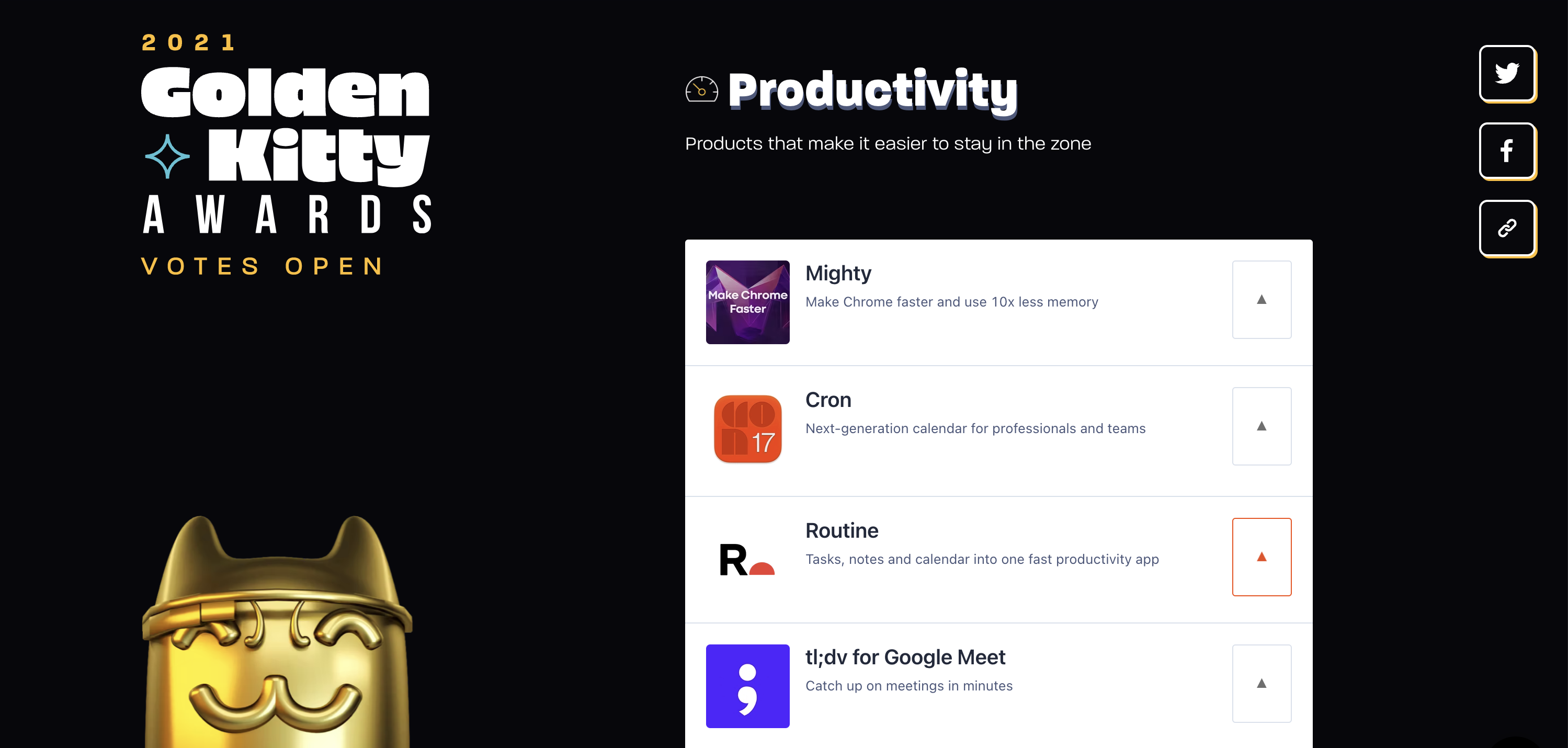
Routine is now a finalist on Product Hunt’s Best Product of the Year.
We need you help to bring the trophy home 🏆.
Head to https://www.producthunt.com/golden-kitty-awards-2021/productivity
Scroll down a bit until you find Routine
Upvote by clicking
▲
We would really appreciate it.
🍾 New Features
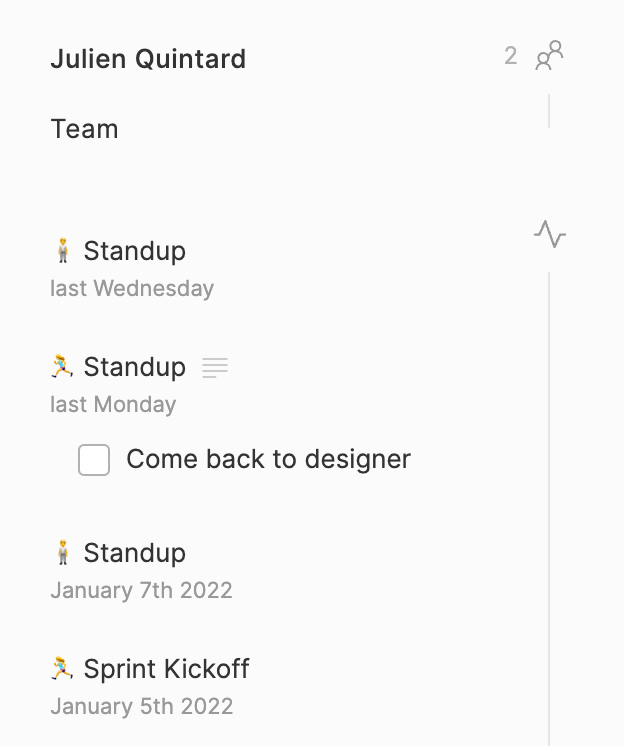
Routine now integrates your Google Contacts through a new Person screen. You will soon be able to take notes and also access the past activity related to that person e.g meetings.
When in a meeting, click on the participant on the right-hand side to open the Person screen.
Contact’s profile
Existing users will likely be notified that Routine needs access to their Google Contacts:

To activate the Google Contacts integrations, click on the notification above. Alternatively, you can open the
Settings, thenIntegrationsand enable Google Contacts.

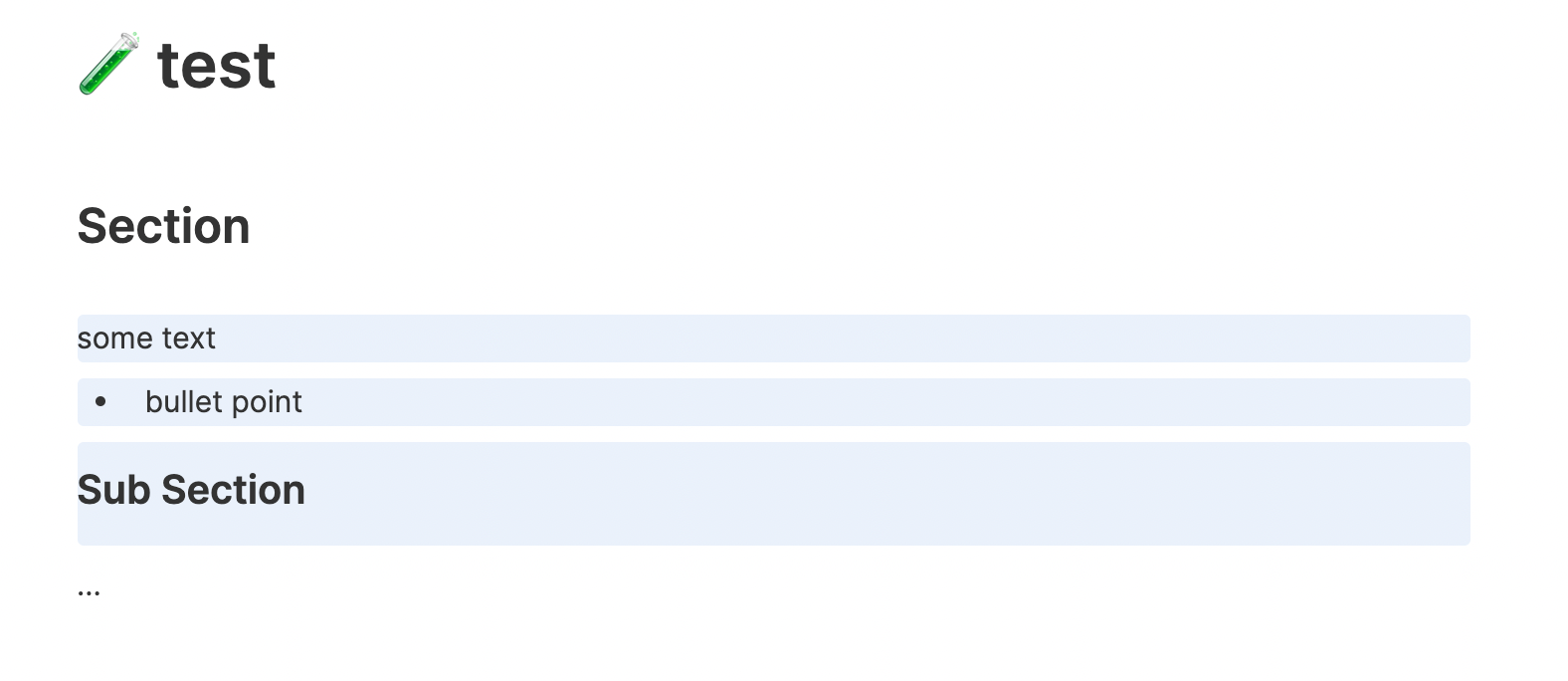
Routine 0.6 brings the ability to select and operate on multiple blocks in notes.
Click on the handle
⋮⋮of the block you want to start with. Then use⇧↑(SHIFT+UP) or⇧↓(SHIFT+DOWN) to select more blocks. You can also use⇧↑or⇧↓to start selecting blocks from the current caret position.In addition to selecting multiple blocks, you can also copy, move and delete them at once 🤯.
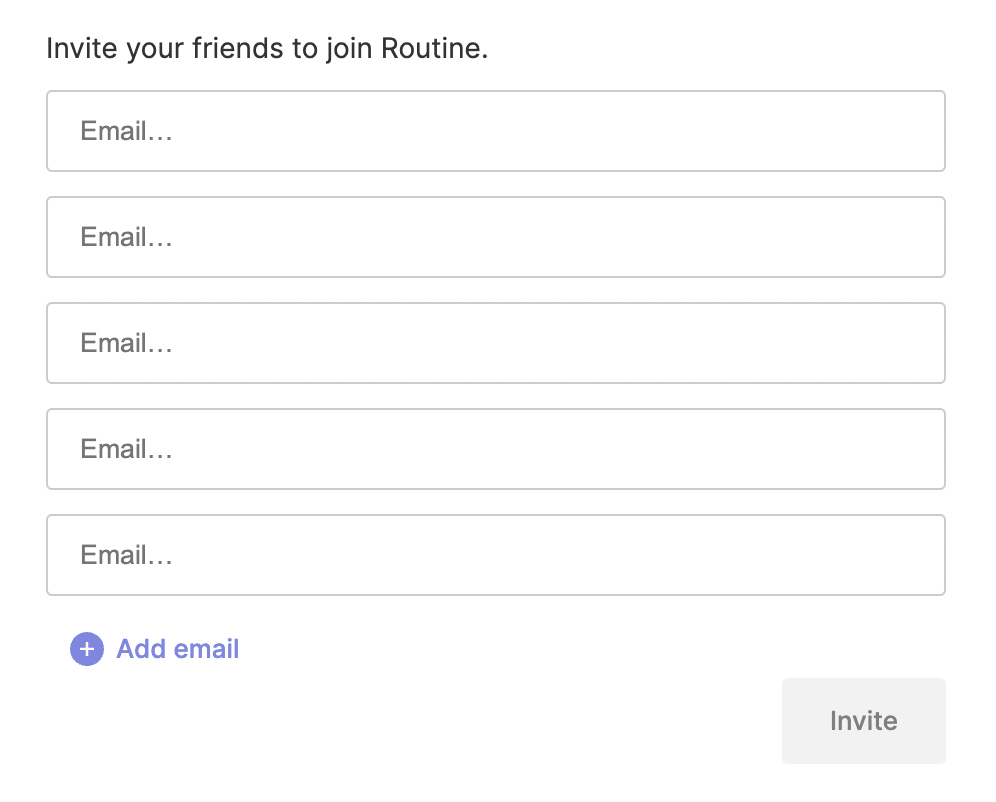
A referral mechanism has been put in place in the app for you to invite your friends and colleagues. Just head to
Settingsand thenInvite people.For every friend that you invite, you will be granted points that you will later be able to use as credits for premium features, free months etc.
On the right-hand side of a meeting, the uncompleted checkboxes are now displayed in the past events that involved the same participants. This is quite handy to be reminded that you forgot something.
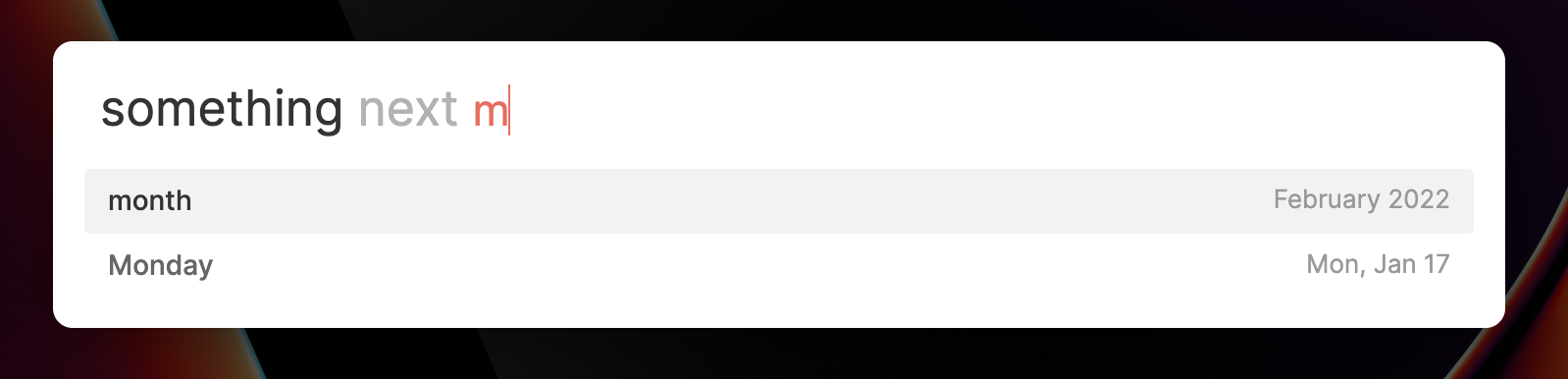
The console has been improved as part of a complete rework:
You can now type
todayortomorrowwithout having to specify theonkeyword 😮.Remember that if you meant to type
todaywithout it being interpreted as a date, you can always hit⎋(ESCAPE) to tell the console not to interpret it.New keywords have been introduced such as next
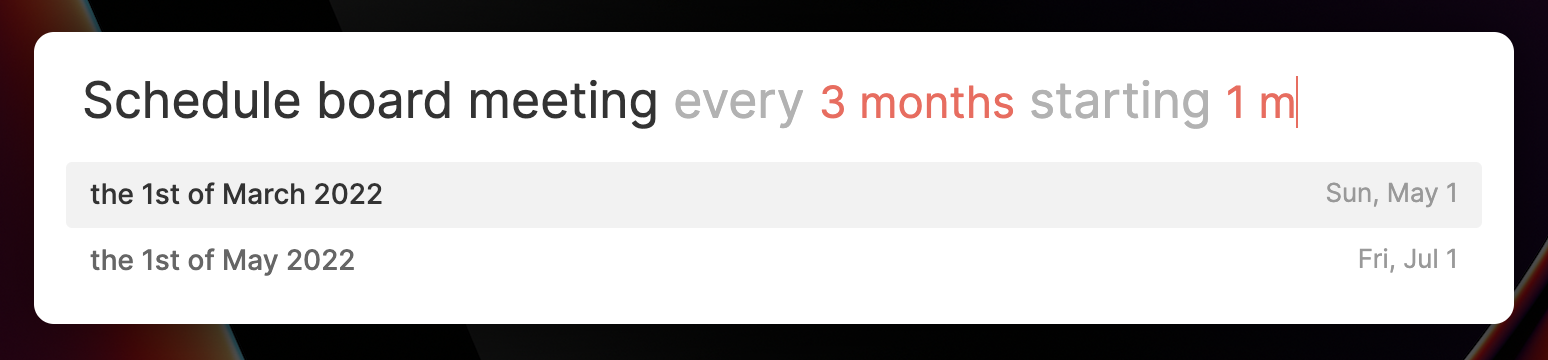
When creating a recurring task, you can now specify the date the recurrence starts and/or ends through the keywords starting and until.

✂️ Improvements
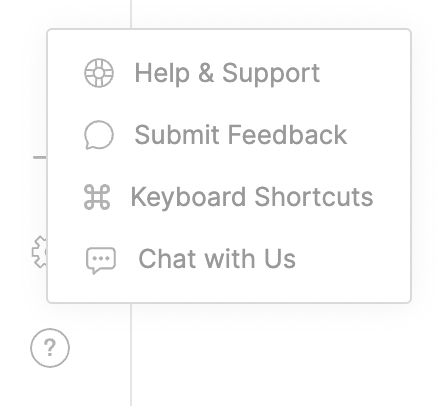
The help menu has been reworked with a new chat capability, an improved in-app feedback submission etc.
An animation has been added when completing a task
Tasks for which time has been blocked are displayed with a checkbox in the dashboard widgets. Likewise, clicking on such a widget now opens the task
The dashboard now better supports large screens
Wrote a step-by-step guide on how to set up the Notion integration
Added a tooltip when hovering tasks with a long name
Added a
No Statuschoice in the Notion integrationCopying a task name in a list like Inbox, Today etc. removed the focus; this has been fixed
Fixed small bug with Markdown links that had an underscore
12PMwas not accepted in the console; it has been fixed
🎯 Coming Next
We are currently working on two key functionalities:
The console to allow you to perform more actions than just create tasks
A planning screen that will allow you to better organize your time
For more information, do not hesitate to refer to the roadmaps. It has recently been reworked for more clarity.
🤗 Shout Outs
Eliott, jrickel, stanleytf, nagata, luca, mju, jamie, zhewlin, LJR, Daniel, Antony, Sesha, tatelax, kayjay, nathan, s00perpig, xiaoxishicheng, sensei, Zach H., Matt, Chuck and riclib.
Thank you all for the support and constant feedback. Keep it coming 💪.